Playing Video
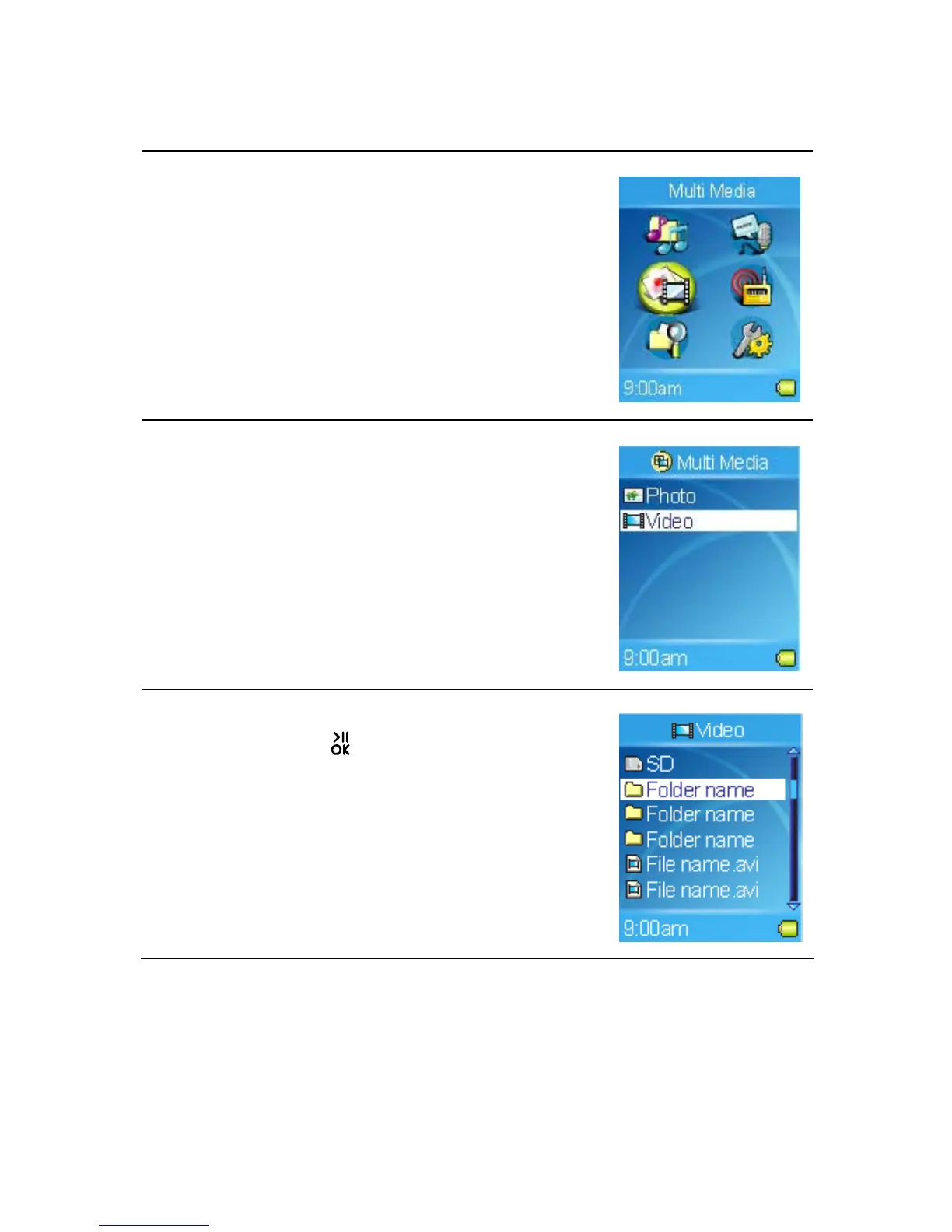
1. To play video stored on the built-in hard disk or
SD card, select the Multi Media item in Main
Menu.
2. Select Video item in Multi Media menu.
3. Select a video file to play in Browser Menu.
4. You can tap the
button to pause or resume
the video.
Note:
- To play video from the SD card which is
installed in the SD card slot, select the SD item,
and then select a video file.
27



 To Next Page