Music/Voice Playback
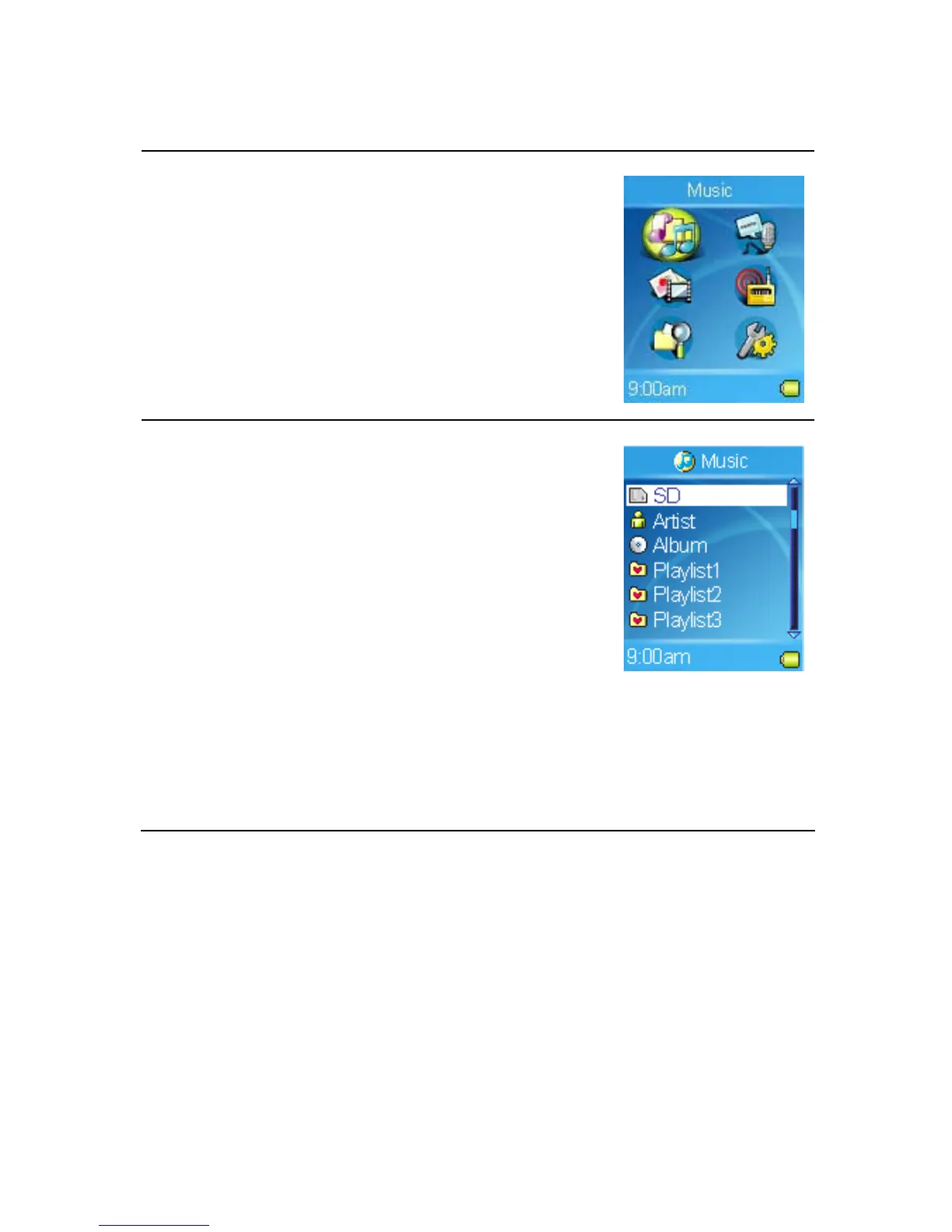
1. To play music stored on the built-in hard disk or
SD card, select the Music item in Main Menu.
To play recorded voice, select the Record item.
2. Select a music file to play or select a Playlist
item to play music files according to the play list.
Note:
- To play music from the SD card which is
installed in the SD card slot, select the SD item,
and then select a music file.
- To play all of your music by the same
artist/album, select the Artist/Album item.
- Please refer to Chapter 2 Synchronizing music
with Windows Media Player. Otherwise, the
playlist of Artist or Album might not be updated.
21



 To Next Page