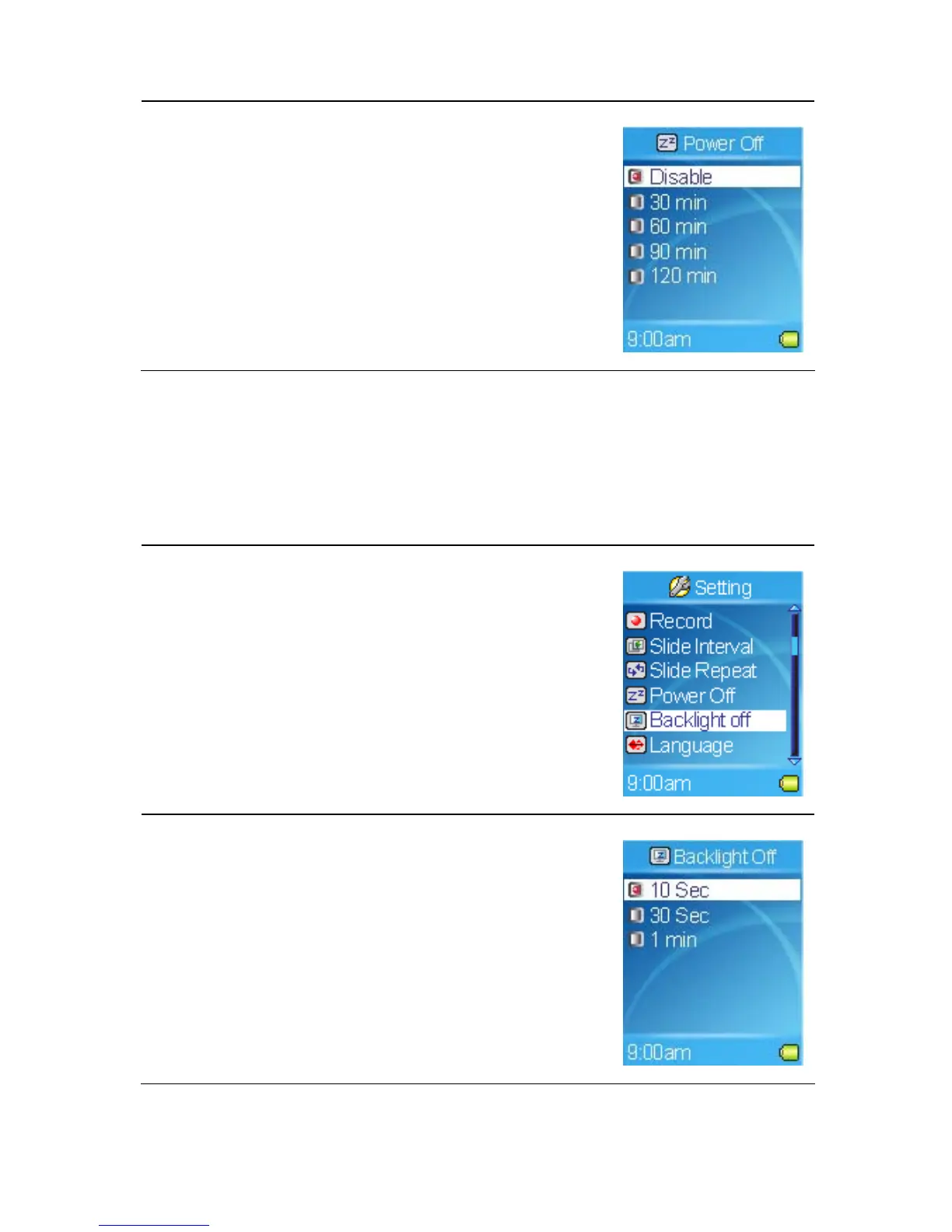
3. Select the Power Off setting you want.
Setting Backlight Off
Backlight timer program can save the power. After having been idle for few
seconds, the device will run the Backlight timer program automatically and
cease the backlight, you can press any button to wake the backlight up.
1. Select the Setting item in Main Menu.
2. Select the Backlight Off item.
3. Select the Backlight Off setting that you want.
35



 To Next Page