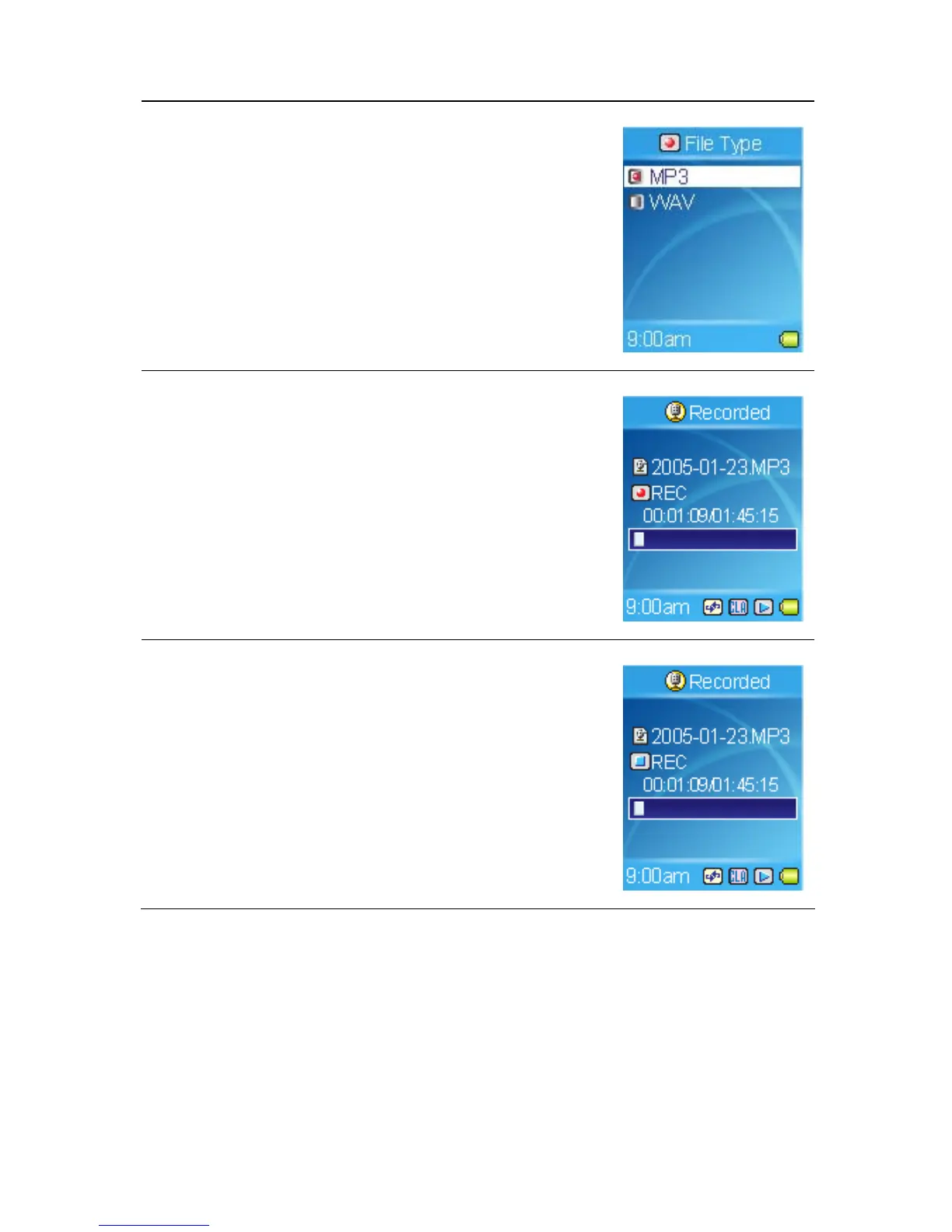
1. Set Setting -> Record -> File Type to MP3.
(Please refer to Setting Record File Type in
Cheaper 4)
2. Press the A→B/REC button to start recording
and then play music from the audio source.
3. On the Display, a recording file should be
generated and placed under the folder of
[ /RECORD/ ]. The file name sequence starts
from [LineIn001.mp3], and then
[LineIn002.MP3], and so forth.
4. Press the A→B/REC button again to stop
recording, and you will see the status jump to the
file list in the RECORD folder.
Microphone Recording
MEGA PLAYER 536 also works as a synchronizing recorder. You are allowed
to use it for Microphone Recording. In different word, you can use it to record
your own voice, an interview or a speech via internal microphone. To do the
40



 To Next Page