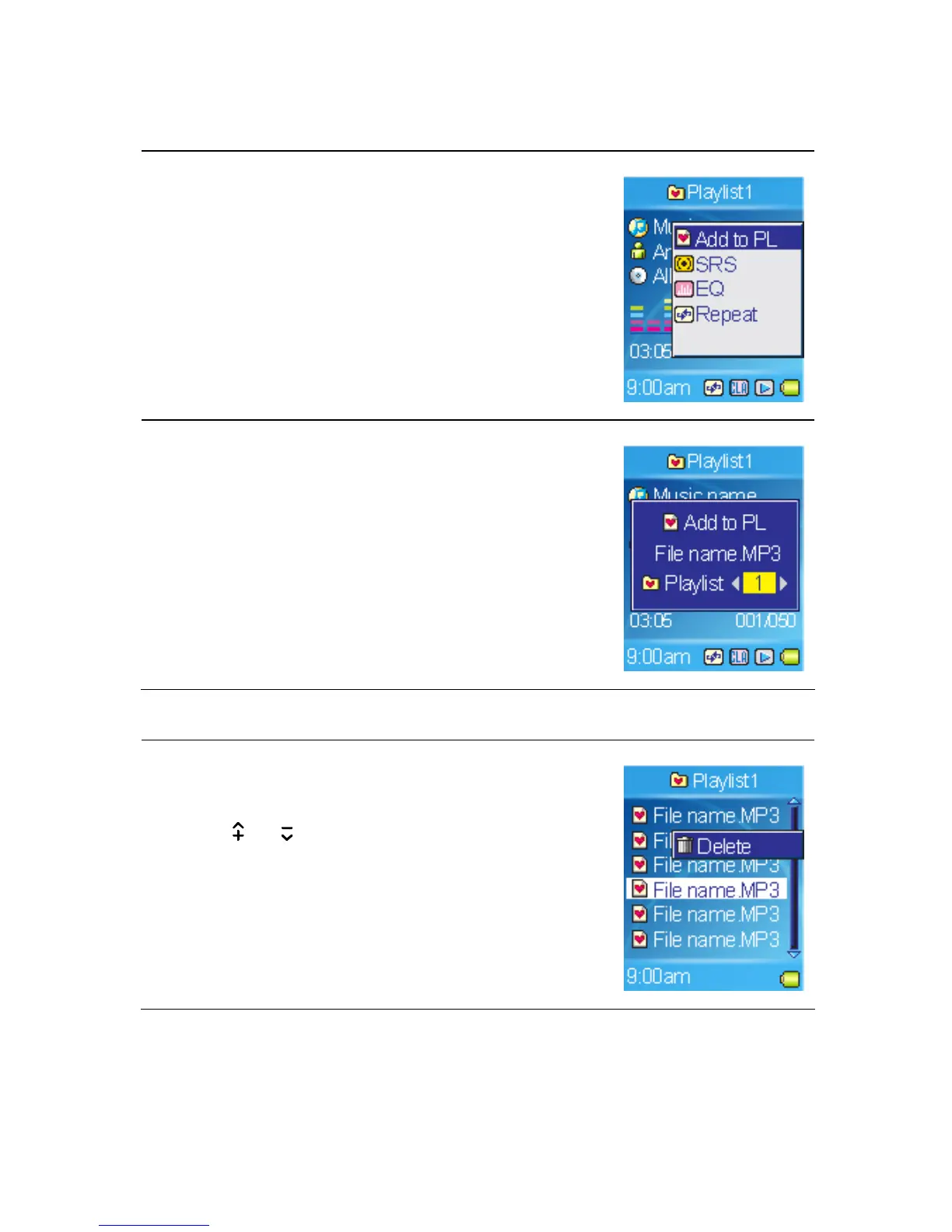
Adding songs to Playlist
1. In playback mode, call submenu.
2. Select the Add to PL item.
3. Select a Playlist number you want to add to.
Deleting songs in Playlist
1. Select the Music item in Main Menu.
2. Select the Playlist you want edit.
3. Use
or button to scroll the song you want
to delete, and then call submenu.
4. Select Delete in the submenu.
22



 To Next Page