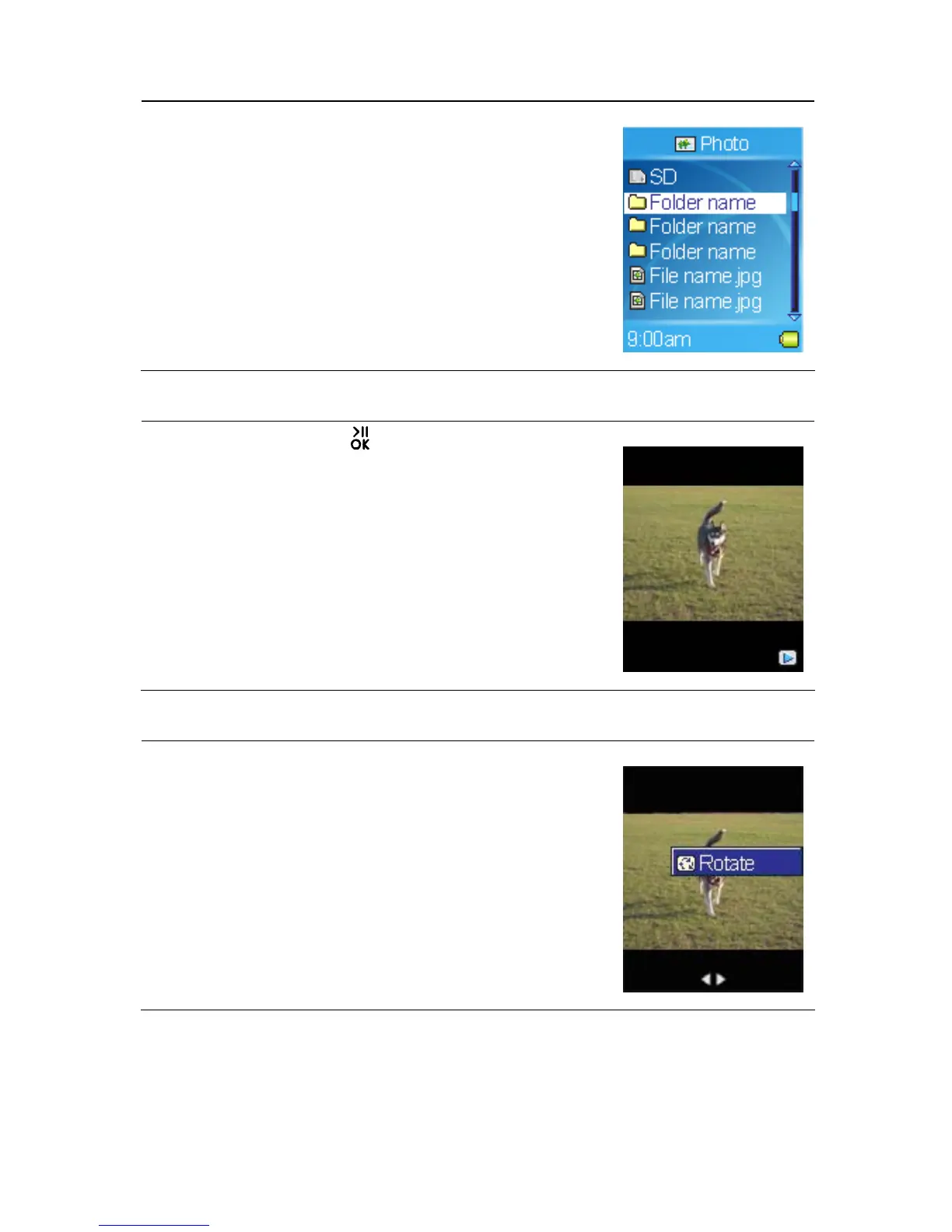
3. Select a photo file to view in Browser Menu.
Note:
- To view photo from the SD card which is
installed in the SD card slot, select the SD item,
and then select a music file.
Slideshow
To play slideshow, tap button while viewing
photos. You can set how long each image is
displayed, please refer to Setting Slide Interval.
Rotating Photos
To rotate photos, call submenu while viewing photos,
and then select the Rotate item.
26



 To Next Page