7. Click the Copy button.
8. When an item is copied to MEGA PLAYER 536, the Status column in the
Items to Copy pane displays the following information for each item:
- Inspecting. Windows Media Player verifies that there is enough storage
space on the portable device, and inspects the selected files for errors.
- Converting/Converted (includes the percentage of conversion done). If
necessary, each file is converted to the selected quality level or
compression rate.
- Copying (includes the percentage of copy done). The file is being
copied.
- Complete. The copy is done.
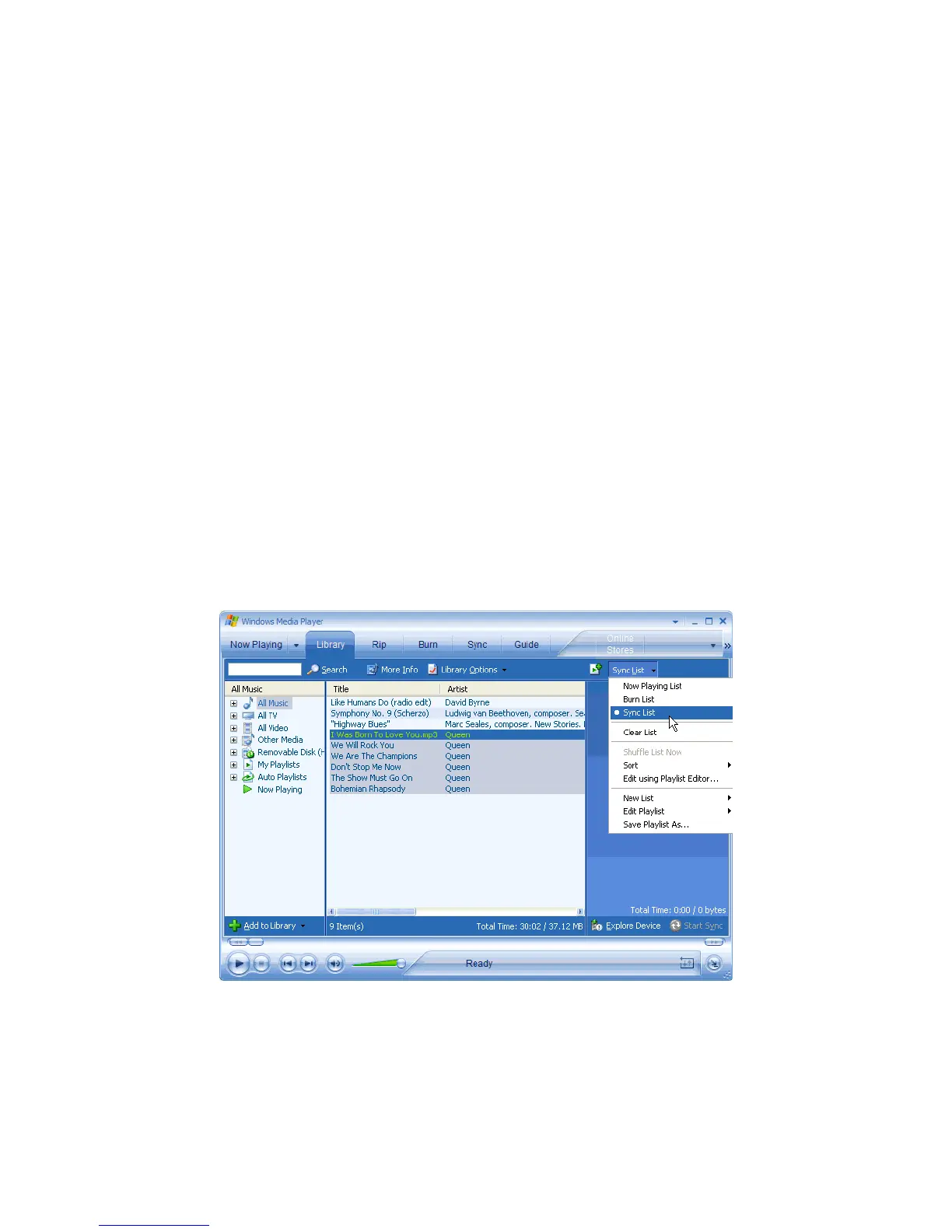
Synchronize songs with Windows Media Player 10
1. Connect MEGA PLAYER 536 to your computer.
2. Start Windows Media Player 10.
3. In the Library feature, in the Playlist pane, click <List name> List, and then
click Sync List.
15



 To Next Page