Move the magnet to the desired mechanical start position and calibrate the offset as
follows:
1) Hold the programming switch in Position #2 until the 'ZERO' LED begins to flash (≈ 3 sec.)
ADJUST
The displacement output indicated position without the offset calculation
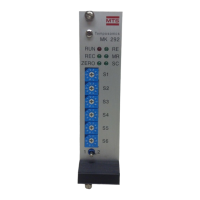
2) Enter the desired offset value using BCD switches S1-S6.
EXAMPLE: Switch Settings S1-S6 for Offset Value
1) Hold the programming switch in Position #2 to restart programming sequence. (≈ 3 sec.)
SET UP
NOTE:
If a set value is overwritten, the programming mode
has to be set again by repeatedly tapping the dip
switch to Position #1.
OFFSET
NEGATIVE OFFSET (in inches)
BCD Switch -00.3571 -04.5841 -03.5705 -45.8405
S1 1 1 5 5
S2 7 4 0 0
S3 5 8 7 4
S4 3 5 5 8
S5 0 4 3 5
S6 5 5 5 9
POSITIVE OFFSET (in inches)
BCD Switch +00.3571 +04.5841 +03.5705 +45.8405
S1 1 1 5 5
S2 7 4 0 0
S3 5 8 7 4
S4 3 5 5 8
S5 0 4 3 5
S6 0 0 0 4
OFFSET
21


 To Next Page