6. Short Form Programming Procedure
• Programming Mode
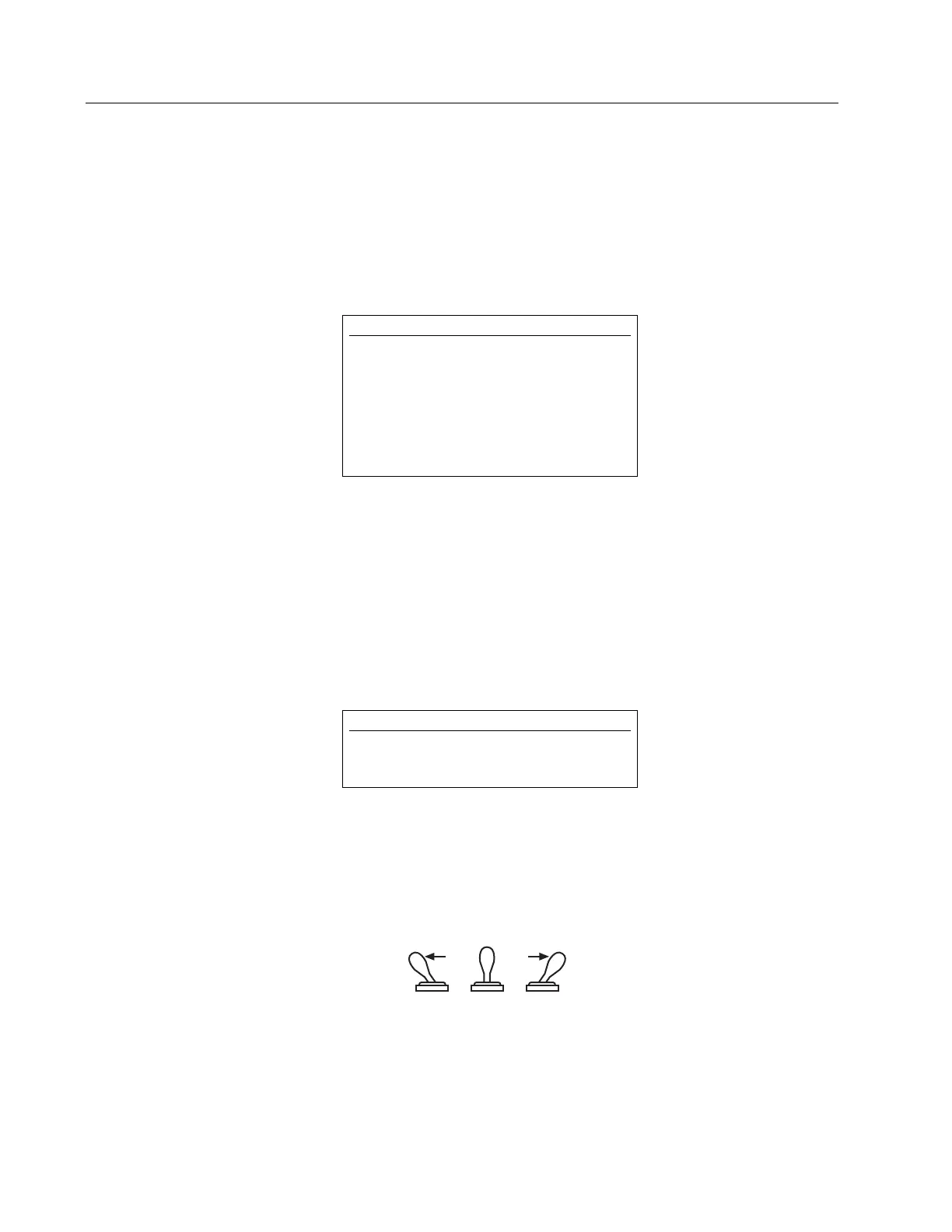
Hold the programming switch in Position #1 (see Fig. 6.1) until the 'RUN' LED begins to
flash (≈ 3 sec.) Programming Mode is set up.
• Selection of System Parameters
To select desired parameter, momentarily toggle the programming switch to Position #1 and
release; an LED will light. Repeat until the LED is lit next to desired parameter.
• Parameter Adjustment
Enter desired values using BCD switches S1-S6 (S1 represents the least significant digit). Rapid
flashing of the green LED indicates input error.
• Parameter Setup
To store a newly set parameter, hold the programming switch in Position #2 (see Fig. 6.1)
until the LED of the next parameter is activated (≈ 3 sec.)
• Operation Mode
Hold the programming switch in Position #1 until the red "RUN" LED is activated. This indi-
cates that the Programming Mode has been exited and the Operation Mode is ready.
Figure 6-1
Programming Switch Positions
For detailed instructions on programming the MK292 Digital Output Module, refer to Section 7 of this
manual.
NOTE:
If the value cannot be stored, momentarily hold the
programming switch in Position #1, and repeat, until
you cycle through to the desired parameter.
NOTE:
You may cycle through and check the parameters by
observing the controller display as you repeatedly put
the programming switch in Position #1.
To change a parameter: Select desired parameter, then
simply hold the programming switch in Position #2
until the LED flashes (
≈
3 sec.). Change parameter
using the BCD switches.
14


 To Next Page