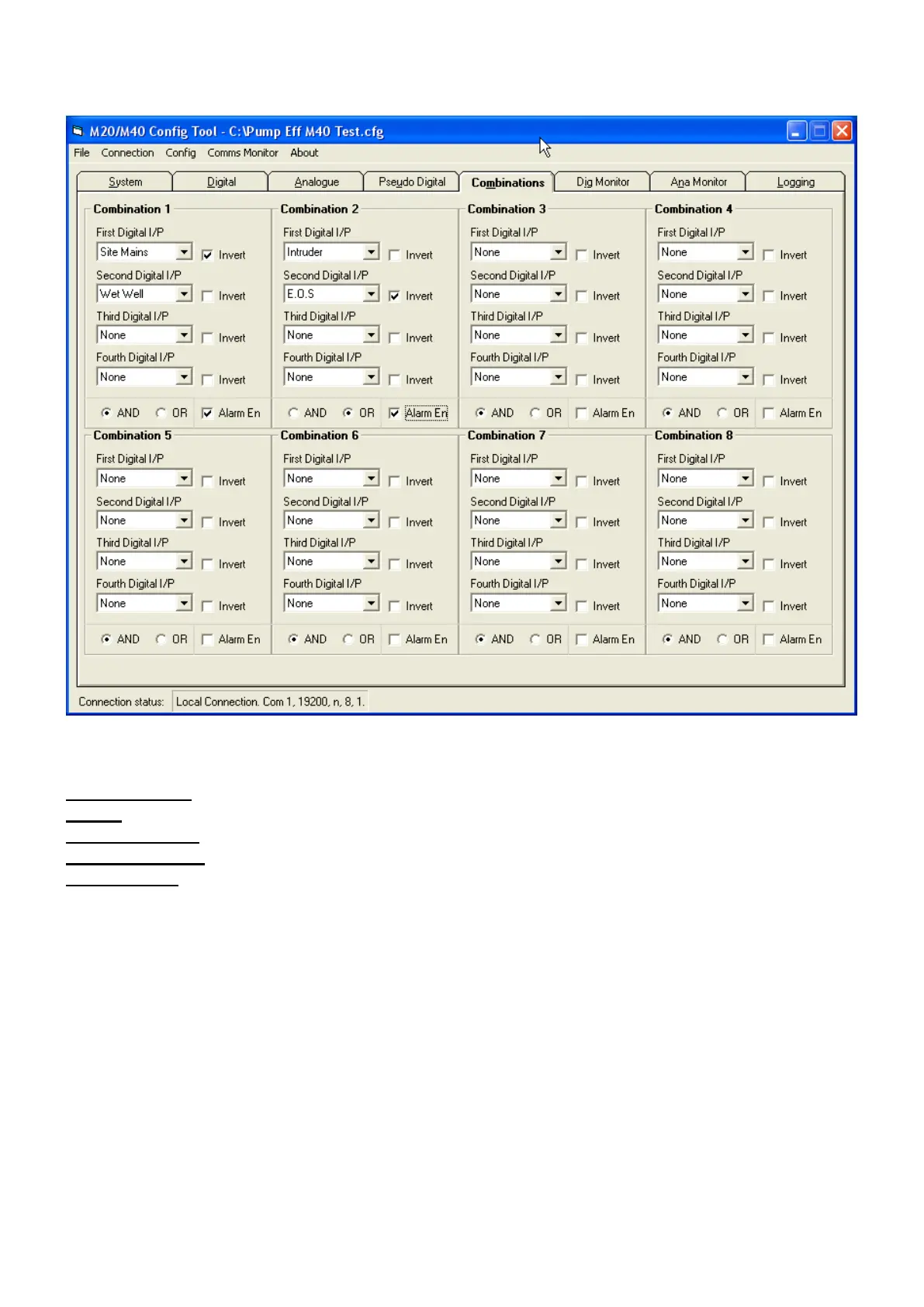
Combinations Tab
First Digital I/P Select First combined input Inputs are digital or analogue trips
Invert Tick if input to be inverted for result. I.e. Off
Select Digital I/P I/P 2, 3 & 4 Inputs are digital or analogue trips
Select AND / OR Select combination attributes AND or OR
Alarm Enable Select if Alarm Dial-out is required



 To Next Page