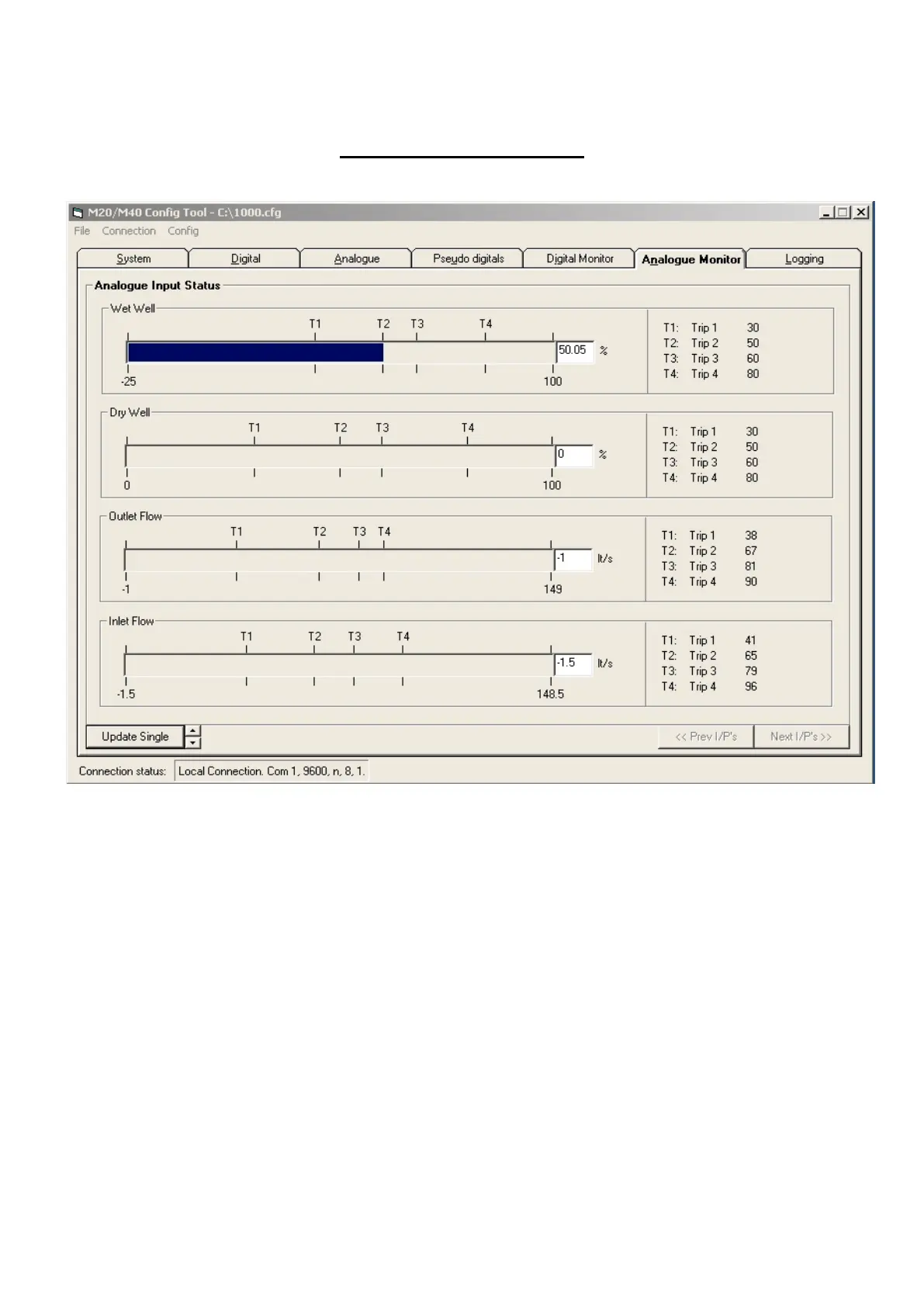
Analogue Monitor Tab
A graphical bar indicates the read analogue inputs with a range of 0-20mA.
The values marked at the beginning and the ends of the bar are the scaled values.
Trip markers are placed along the analogue scale indicating all enabled trip values, the numerical values
of which are shown in the right hand column.
This page is updated in the same way as for the Digital status page, refresh by pressing the ‘Update
Single’ button or by selecting the auto refresh option using the up/down buttons.



 To Next Page