COMMS MONITOR Tab
Used for monitoring communication via the PSTN or GSM modem ports.
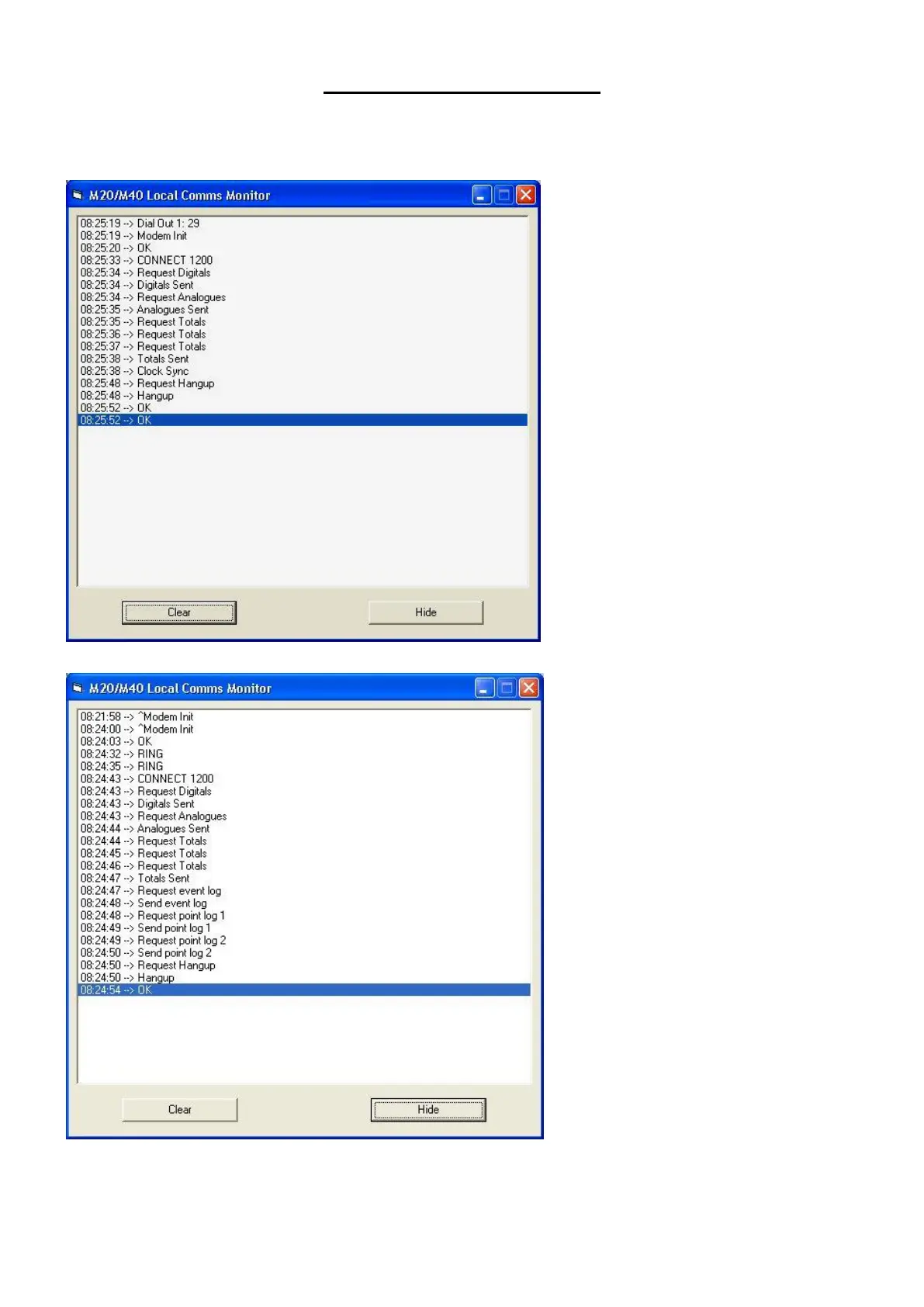
Screen shot shows a typical Dial Out
Sequence & communications with a
Master Station .
Note. Some Master-Stations do not have
the clock sync function enabled
Screen shot shows a typical Dial In
Sequence & communications with a
Master Station .
Note. On a dial in request Event &
Periodic log is requested.
This will increase the overall time On-
Line.
“CLEAR” Clears the text
“HIDE” Returns to Normal configuration screen



 To Next Page