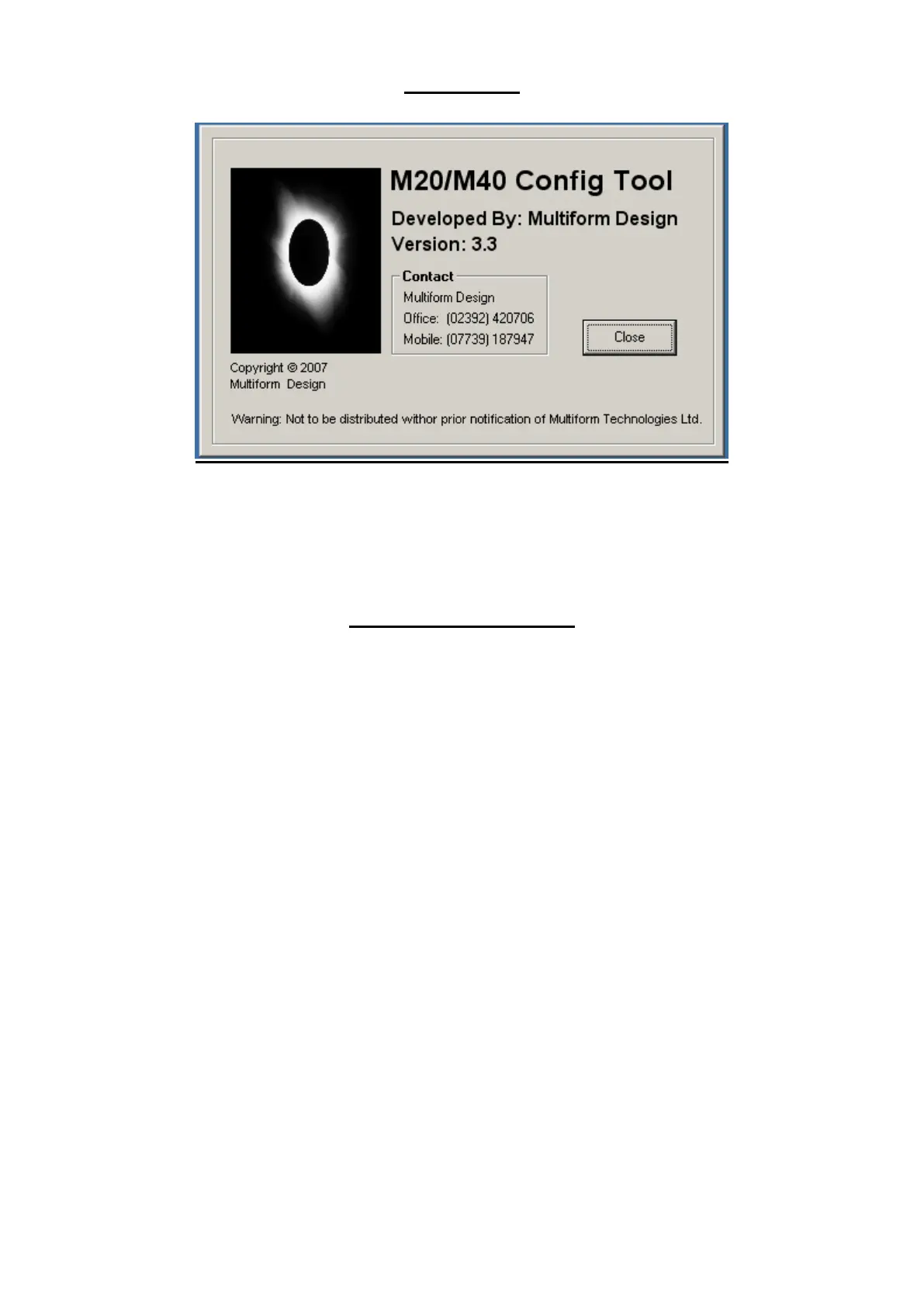
About Tab
To display the Version of the Config Tool and Contact details.
DIL Switch functions
The small DIL switches in the centre of the PCB control various test functions.
Switch 1 Switch ON then OFF to activate dial out to first number in dial list
Switch 2 Switch on to enable verbose reporting on periodic logging (local comms port)
Switch 3 Switch on to inhibit SMS messaging.
Switch 4 Switch on to display GSM Cell strength for a GSM modem. Signal strength is indicated in
both numeric and graphical format. Ensure switch is OFF for normal use
Switch 5 Not Implemented
Switch 6 Not Implemented
Switch 7 Not Implemented
Switch 8 Not Implemented



 To Next Page