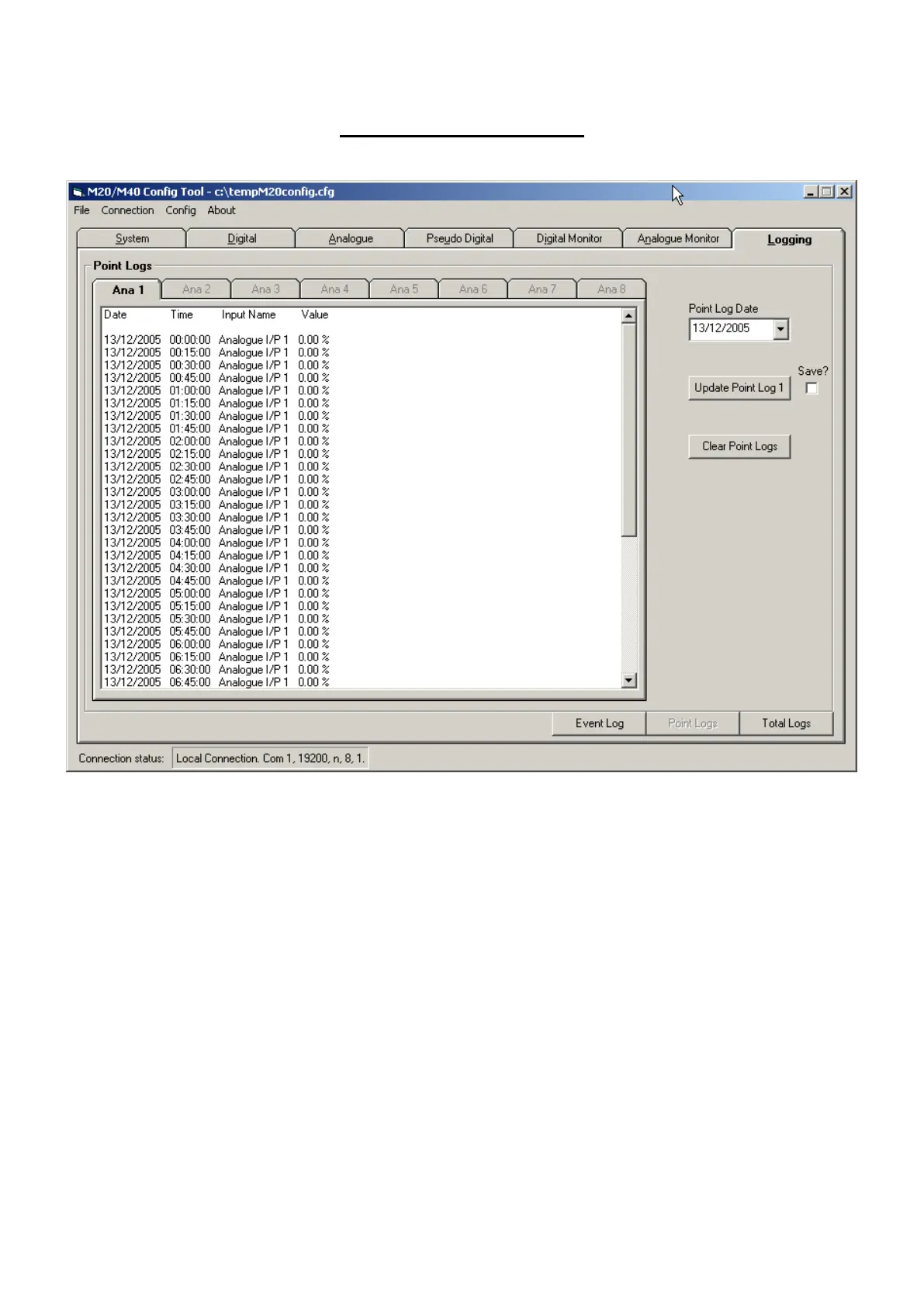
Periodic Point Logging
To update Point log information select the required Tab i.e. ‘Ana 1’.
Select the date required from the ‘Point Log Date’ control.
Then click ‘Update Point Log’ button.
Note: Only Analogue channels that have been configured as active logging channels will have active
(selectable) tabs.
The ‘Clear Point Log’ button can be used to erase the stored archives.
The data will be displayed in a scrollable window. Repeat for all logged channels required.
M20/M40 unit will store 512 periodic logs per Analogue channel. For a standard 15 minute logging
period this equates to over 5 days of stored logs.



 To Next Page