The configuration is now ready to upload to the unit. Ensure that the configuration is now saved using
the ‘File’ and ‘Save’ functions.
Connection Tab
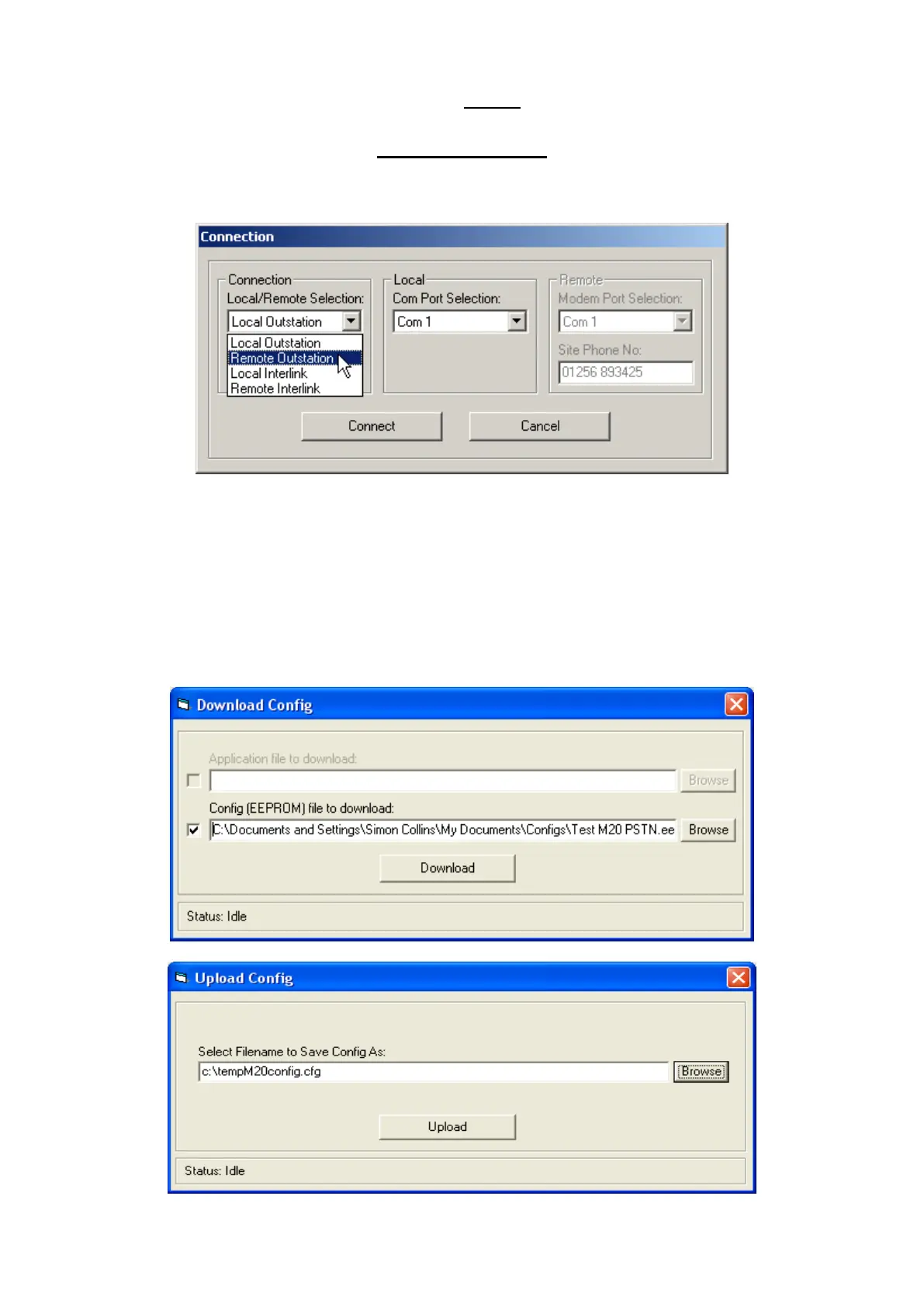
Ensure that you Connect the Outstation local lead or Modem to the correct port
Select the correct method of connection required. I.e. Local or Remote and which comm. port to use.
Comms parameters are saved in a small file so that selections are not required after every restart of the
M20/M40 config package.
When selected press the ‘Connect’ button
The bottom of the screen will now show connected and the baud rate settings.
Now use the ‘Config’ tab to select whether to ’Upload’ or ’Download’ a configuration.
Once the configuration is loaded you can monitor the Digital & Analogue inputs using the specified tab.



 To Next Page