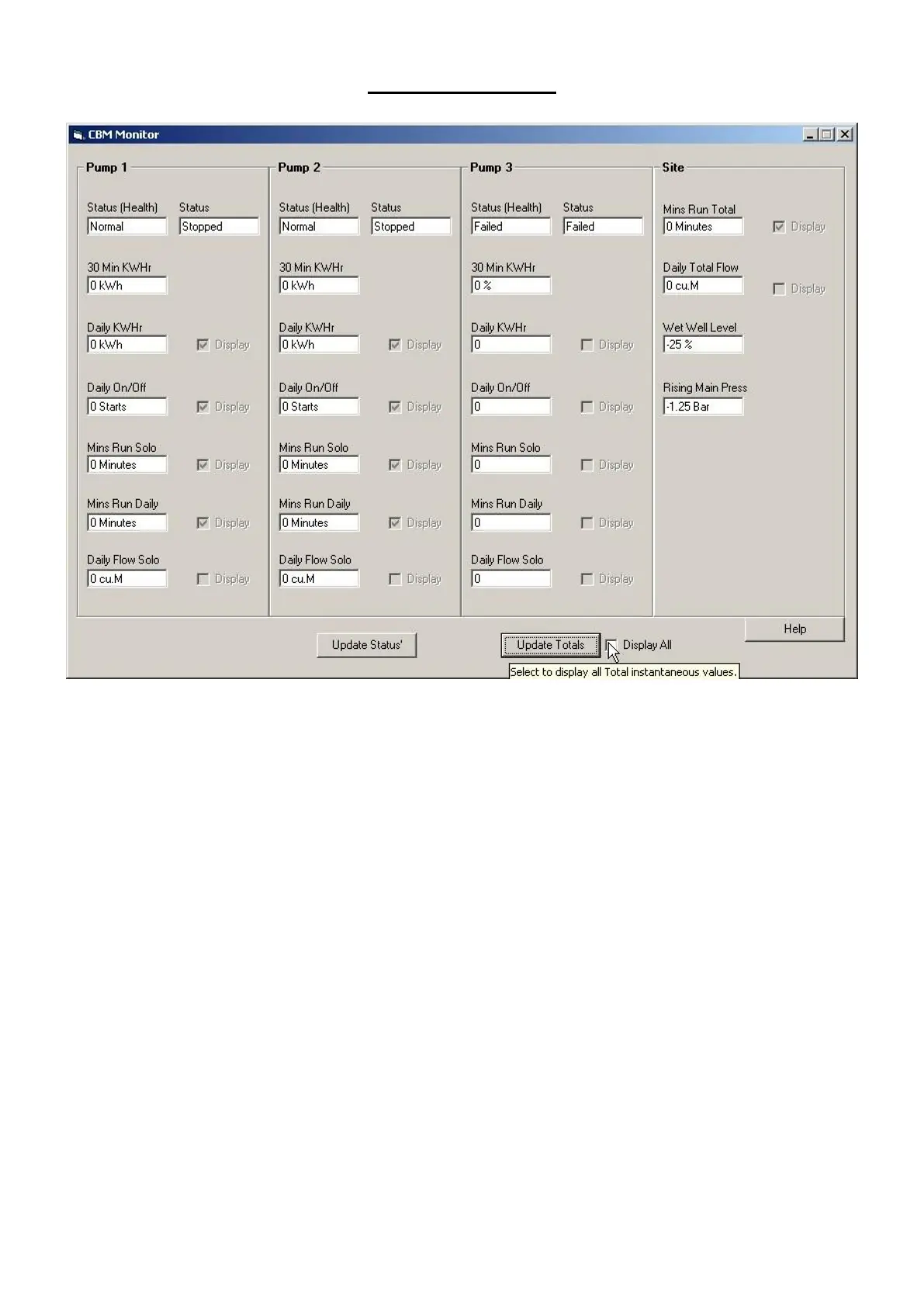
CBM MONITOR
To display specific CBM data in an easy to read format.
Updating the Status IE, Digital Data click the “Update Status” Button
To update Totals and Analogue Values click the “Update Totals” Button
For Instantaneous Values, Select the “Display All” option then “Update Totals”
There may be a small time delay in updating the totals in Instantaneous modes due to scaling and
formatting functions.
Selecting the display all function has no effect on the returned data to scope.



 To Next Page