14
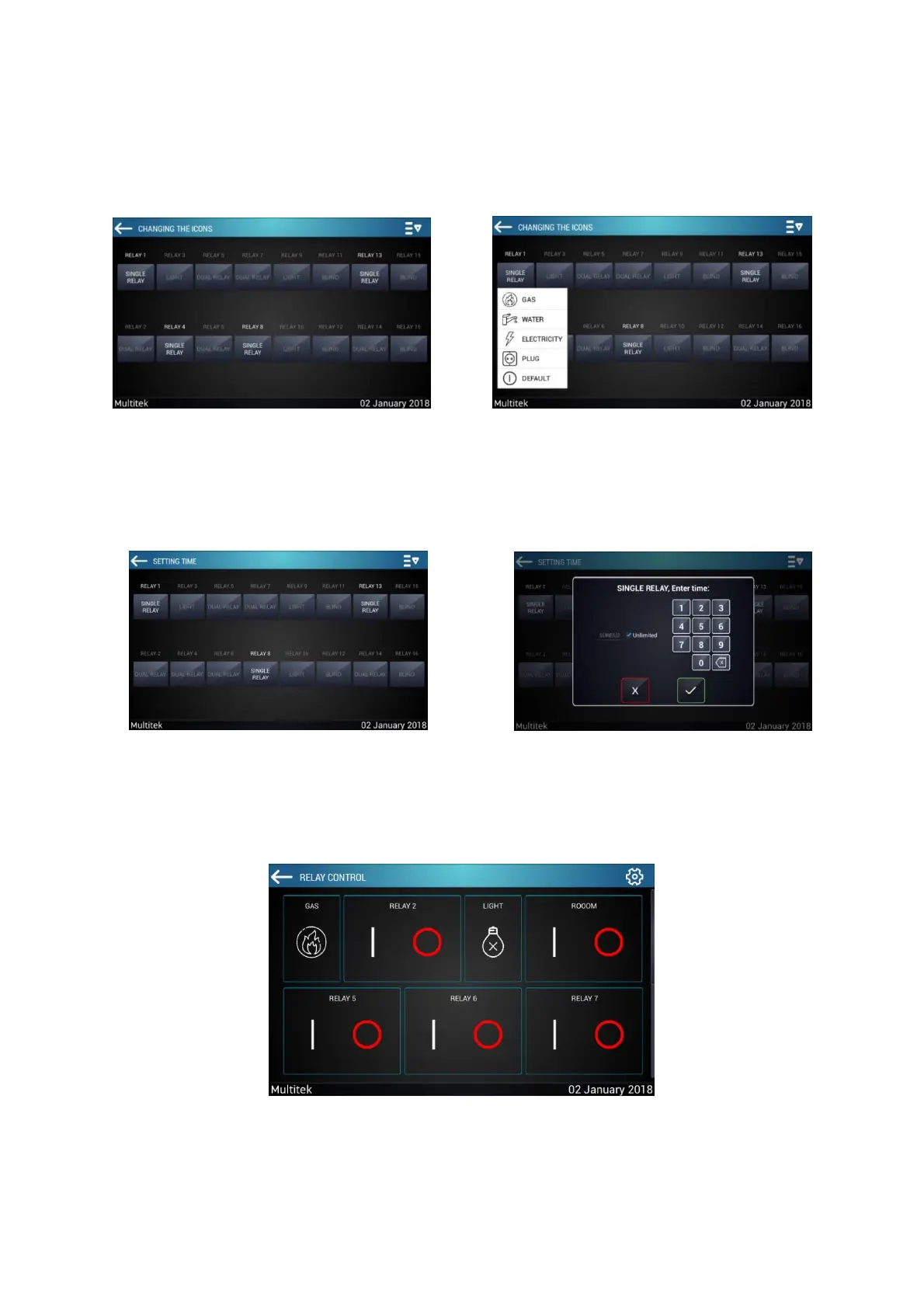
7.2.2.4 Change Icon
Enter icon change menu to select appropriate icon to channels functions. You can exit the menu by selecting
the appropriate icons for the channels.
7.2.2.5 Setting Time
In the time adjustment category, enter the duration to remain open for the selected channel.
7.2.2.6 Smart Home Relay System
Back to the main menu after the settings have been done. When you enter the smart home page from the
main menu, the screen will be as follows:



 To Next Page