34
8. IP DOOR PANEL SHORT USER MANUAL
DIP40 door panel has four touch buttons on the sides of the LCD. Touch these buttons to navigate.
8.1. Allocating Ip Number To Ip Door Panels (For Dip40)
NOTICE: DEVICE SHOULD BE PROGRAMMED BY THE INSTALLATION TECHNICIAN. TO ASSING A DOOR
NUMBER TO A DEVICE, YOU HAVE TO KNOW THE BLOCK AND NUMBER OF DOORS IN THE BLOCK. NO
ADDITIONAL INFORMATION IS NEEDED.
In order to enter block and door number of a device, touch CLR (the left bottom key) CALL (the right bottom
key) and 99 one by one:
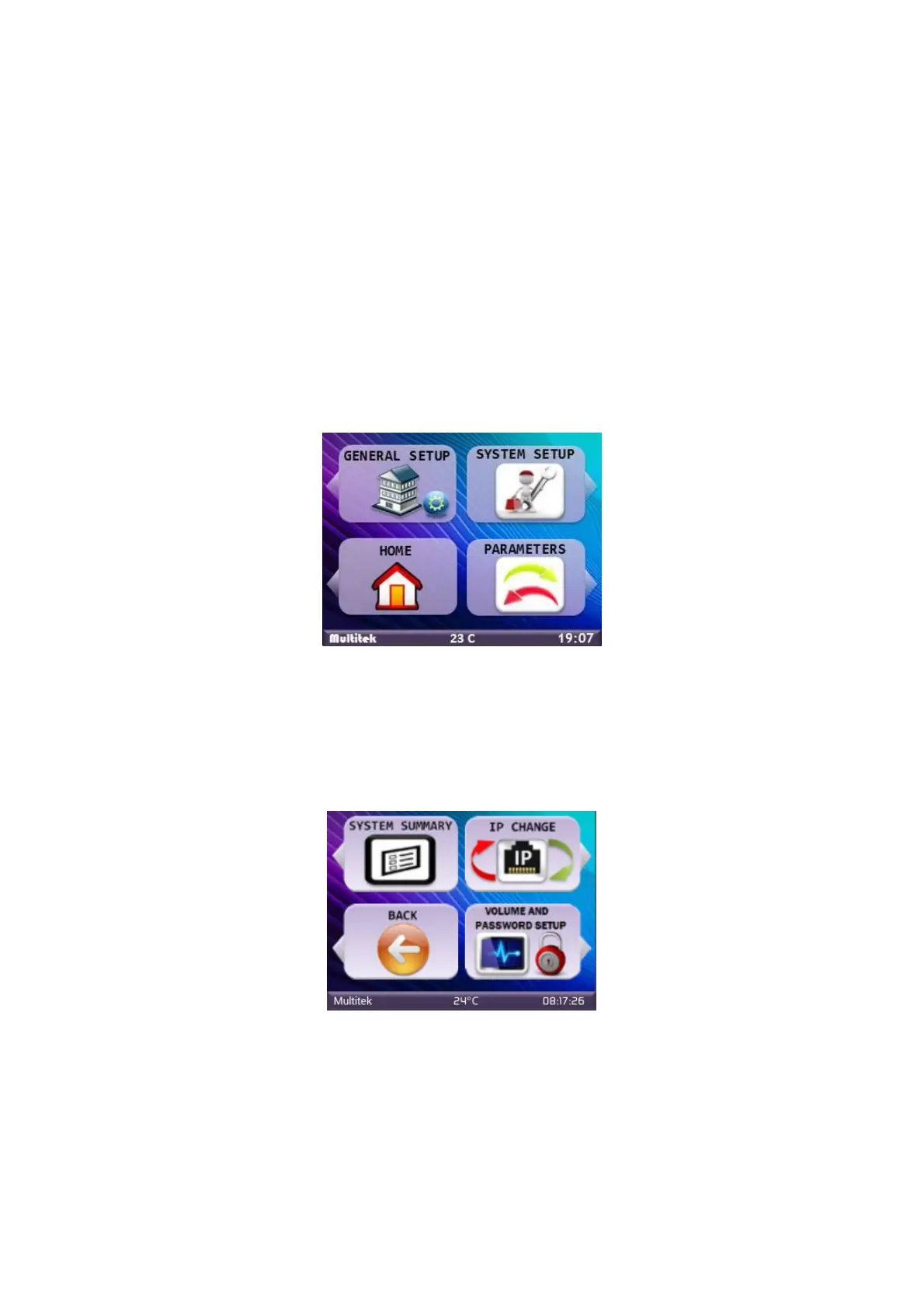
- Tap CLR CALL 99 consecutively. Depending on the type of the door panel, the following page appears:
Figure 44:Main Screen
- Choose “SYSTEM SETUP” icon by touching the upper right button on the device.
-The device will ask “SYSTEM PASSWORD”, enter default system password “0000”.
- Select “IP CHANGE” by touching the right upper button of the device.
Figure 45:System Settings
- “ENTER BLOCK NUMBER and TOUCH OK” message appears. Enter two-digit block number by using the
keypad of the door panel. Touch “OK”. (i.e. 01 for the block 1)
- “ENTER DOOR NUMBER and TOUCH OK” message appears. Enter two-digit door number by using the keypad
of the door panel. Touch “OK”. (i.e. 01 for the first door panel) (Figure 12)



 To Next Page