20
7.3.4 Smart Home Rf System
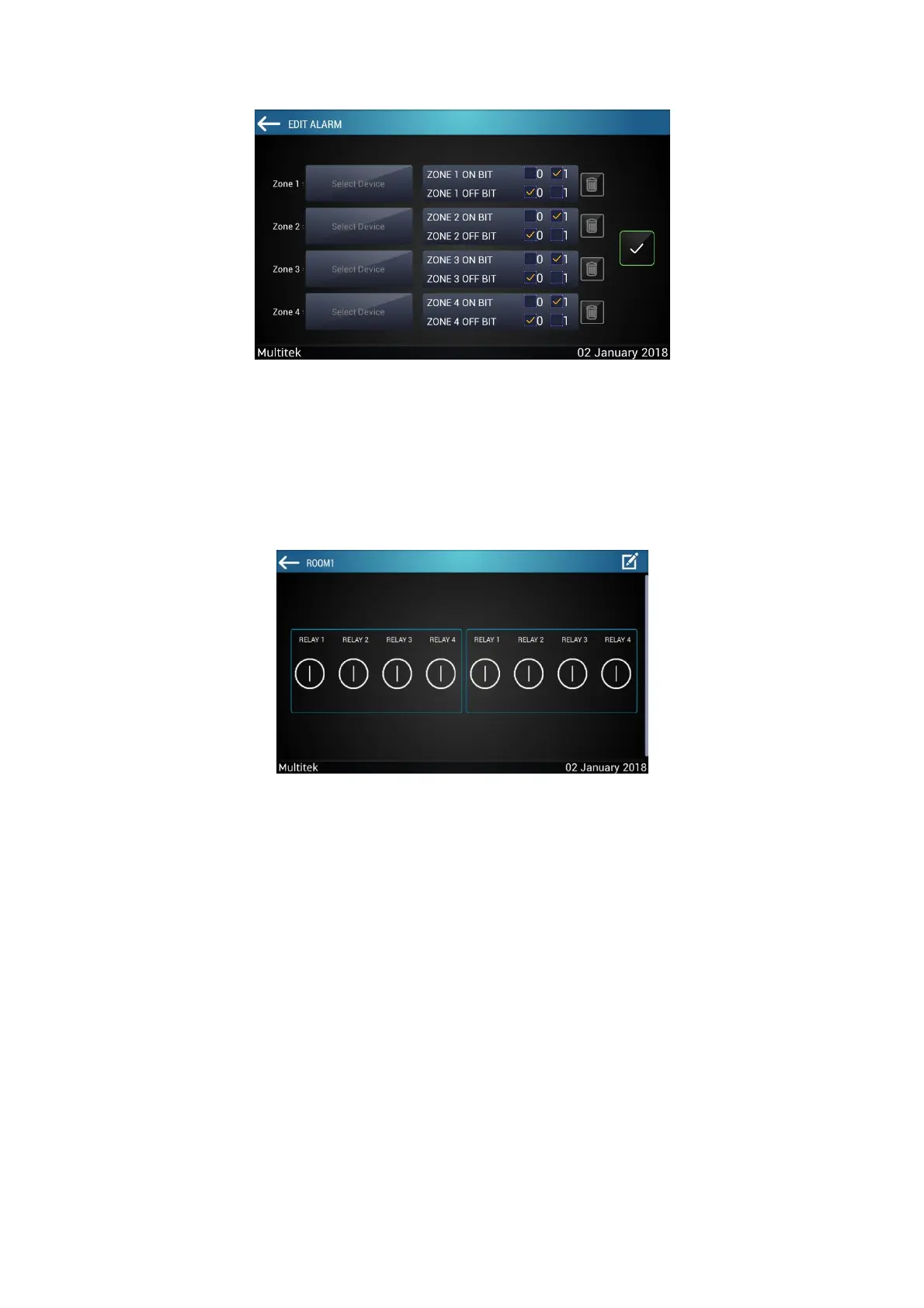
Back to the main menu after the settings have been done. When you enter the smart home page from
the main menu, the screen will be as follows:
7.4 Smart Home Knx System
Enter smart home application simply by tapping “SMART HOME” icon on the home screen.
If the smart home feature is not supported by your monitor, “NOT SUPPORTED” pop-up will appear. Smart home
devices have a special hardware, if you get this notice please check with your monitor provider, you might not
have a smart monitor.



 To Next Page