37
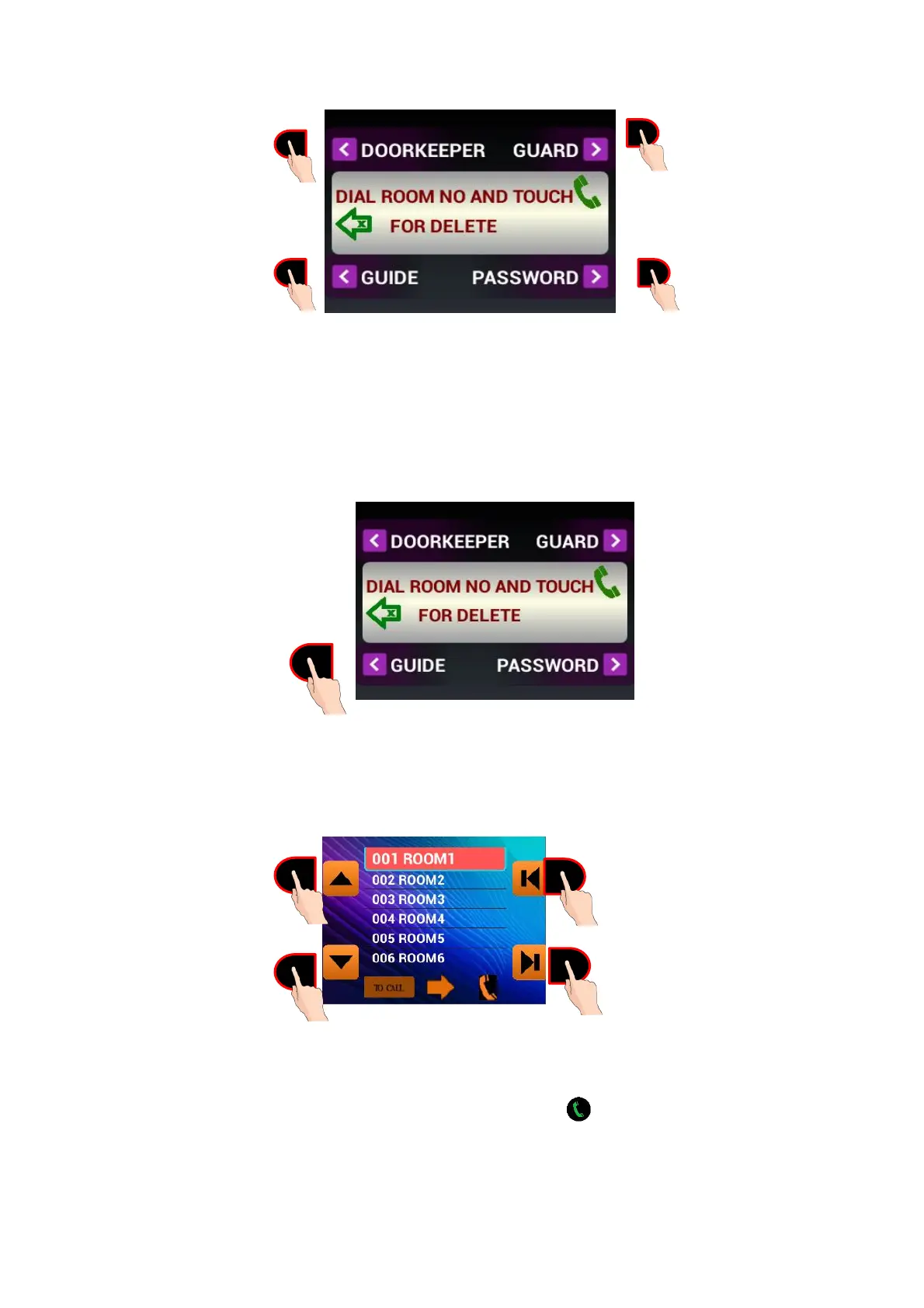
Figure 51:Main Menu
8.4. Phone Book Feature Of The Door Panel
The phone book is a list of room numbers and their names entered by the phone book program. It is used to
search the names of the people living in the apartment and call the rooms by touching a single button. To start
using the phone book feature, please touch “GUIDE” button.
Figure 52: Touch button next to “Guide”
When you touch the “GUIDE” button, the following screen appears, showing the room numbers and their
inhabitants recorded to the device:
The left side buttons scroll the lines one line up or down. The right-side buttons scroll the lines one page up or
down. The line selected will be shown in bigger characters. If you touch button ON THE PANEL KEYPAD,
the room shown on the screen will be called.



 To Next Page