15
7.3 Smart Home Rf Application
First of all, the “Smart Home” tab is entered from the settıngs menu. It is saved by selecting RF this page. Click
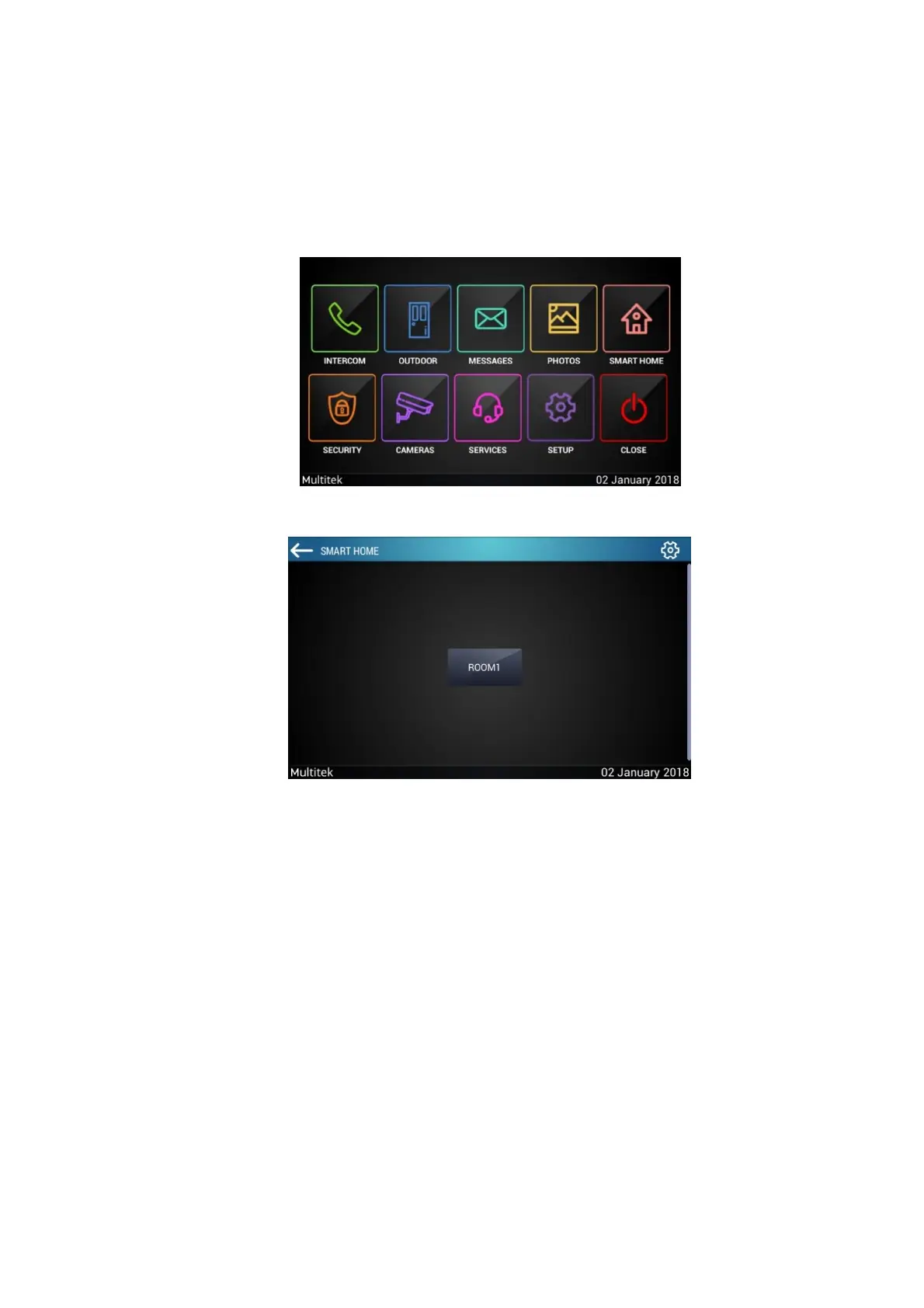
”SMART HOME" in the main menU (Figure 7.24) to open the application.
Figure 10:Apartment Monitor Main Menu
Figure 11:Rooms Screen
When you open applicaton, rooms screen appears. (Figure 11)
7.3.1 Add Room And Device
Press the settings icon on the top right to the add device. Enter the password (Password: 0000)



 To Next Page