17
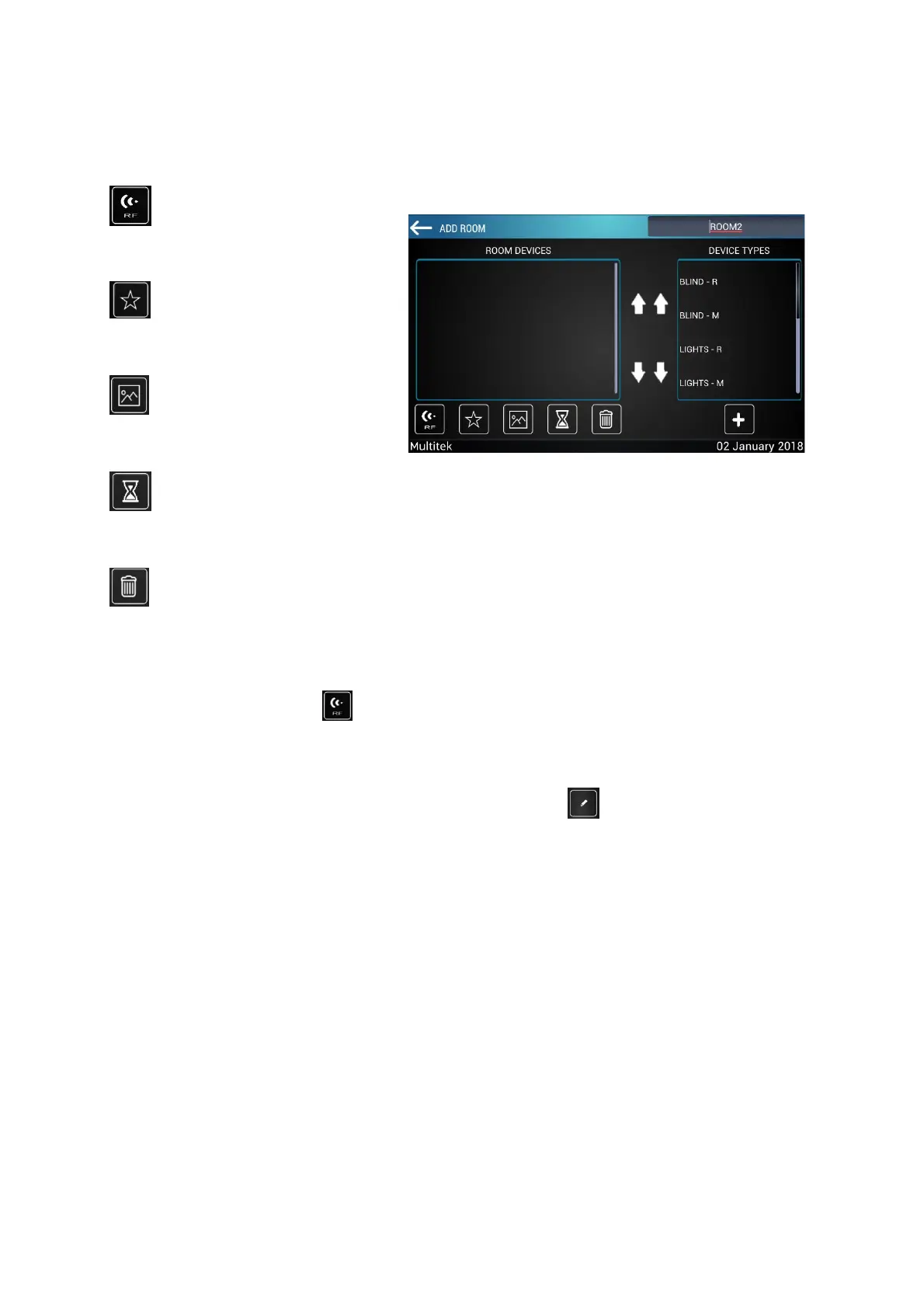
Below are the keys on bottom the "ROOM DEVICES" section:
To make the pairing of the devices added to the room devices section, first press the programming key of the
device and then press the button located under the room devices section. And save the changes.
7.3.2 Edit Room And Devices
Click on the desired room to edit the current room and press the button on Figure 11 Screen similar to
add room screen opens. The same processes as the add room screen are done. Examples of room editing
screens are given in the following figures.
ADD TO SCENARIO
(FAVORITE)
Figure 13:Add Room Devices



 To Next Page