35
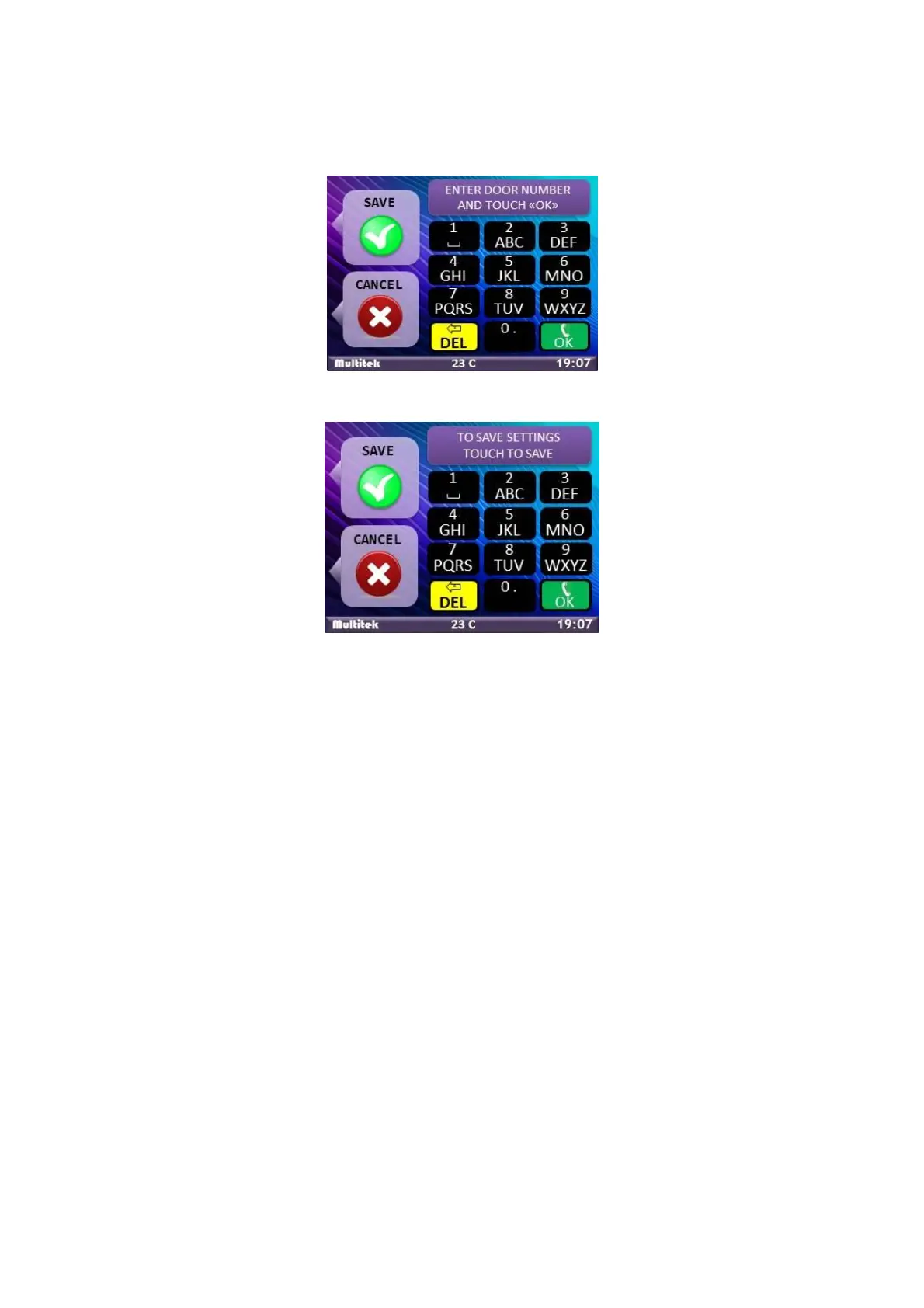
- “TO SAVE, TOUCH SAVE BUTTON” message appears. To save the records , touch the left upper button of the
device. (Figure 13)
Figure 46:Enter Door Number
Figure 47:Saving IP Number
8.2. Calling The Rooms From The Door Panel
All door panels can call rooms in its own block. Type the room number on the panel and touch “CALL” button.
Dialed room number can be 1,2 or 3 digits according to the size / numbering logic of the block.
Example: 1, 01, 001, 12, 012, 139 are room numbers.
After a call is started, an answer is expected in 30 seconds. If the call is not answered in 30 seconds,
the call ends without no other interaction.
When there is call to a room from the door panel, the room device shows the camera of the door
panel. The room answers the call by touching the answer icon. Conversation starts while the room
monitors the camera of the door panel. Maximum conversation duration is limited to 60 seconds.
Touching the CLR on the monitor (red color telephone) or the door panel (left bottom key) ends the
conversation immediately.
Note the door opener relay may be operated at any time of the call from the door panel to room monitor.



 To Next Page