36
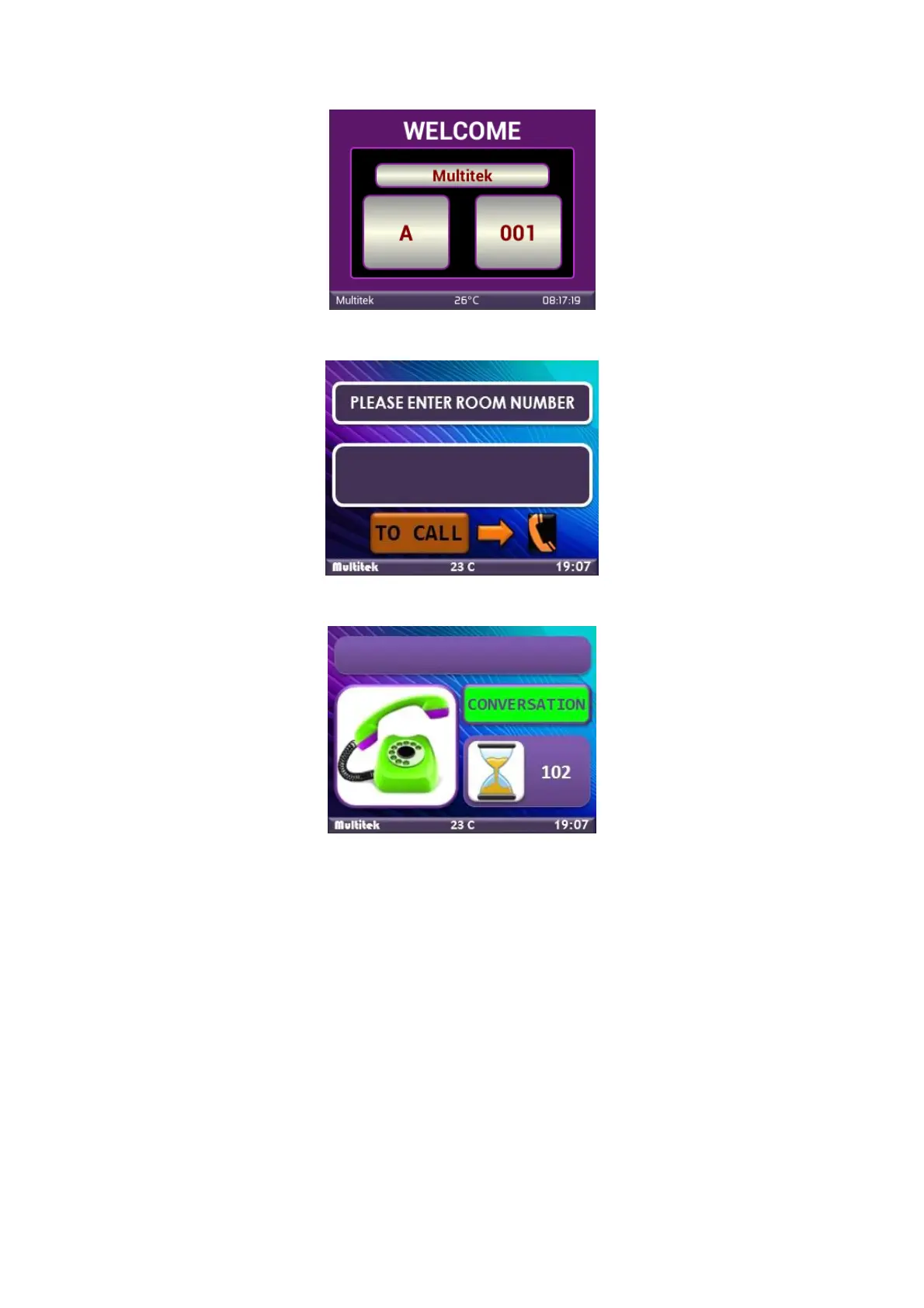
Figure 48:Main Outdoor Screen
Figure 49:Calling Room
Figure 50:Conversation Screen
8.3. Calling The Guard And The Doorkeeper From The Panel
The door panel has four touch buttons on the sides of the LCD. Touch the buttons to call the guard or the
doorkeeper.
The left upper button is used to call the DOORKEEPER (its default number is 01 851).
The right upper button is used to call the GUARD (its default number is 99 901)



 To Next Page