6
7. IP MONITOR SHORT USER MANUAL
IP INTERCOM ROOM MONITOR BASIC USER FEATURES
Before powering up the system, please make sure that cabling is correct. Gold-pleated RJ-45 plugs should be
used for best quality.
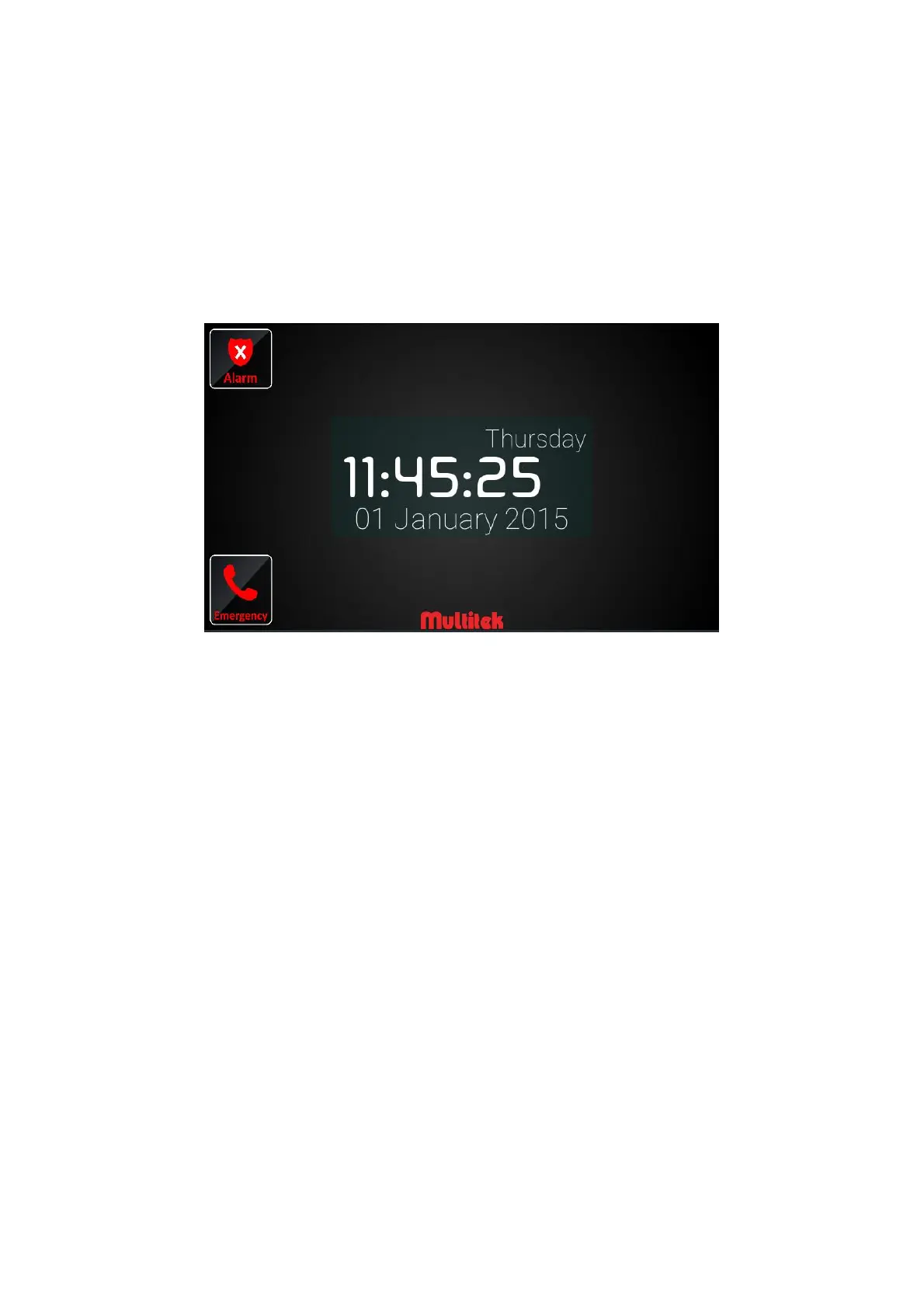
When power is given to the device, the screen turns on and Multitek intercom application runs in three
minutes. Main screen is shown below:
Figure 1: Sleep screen



 To Next Page