16
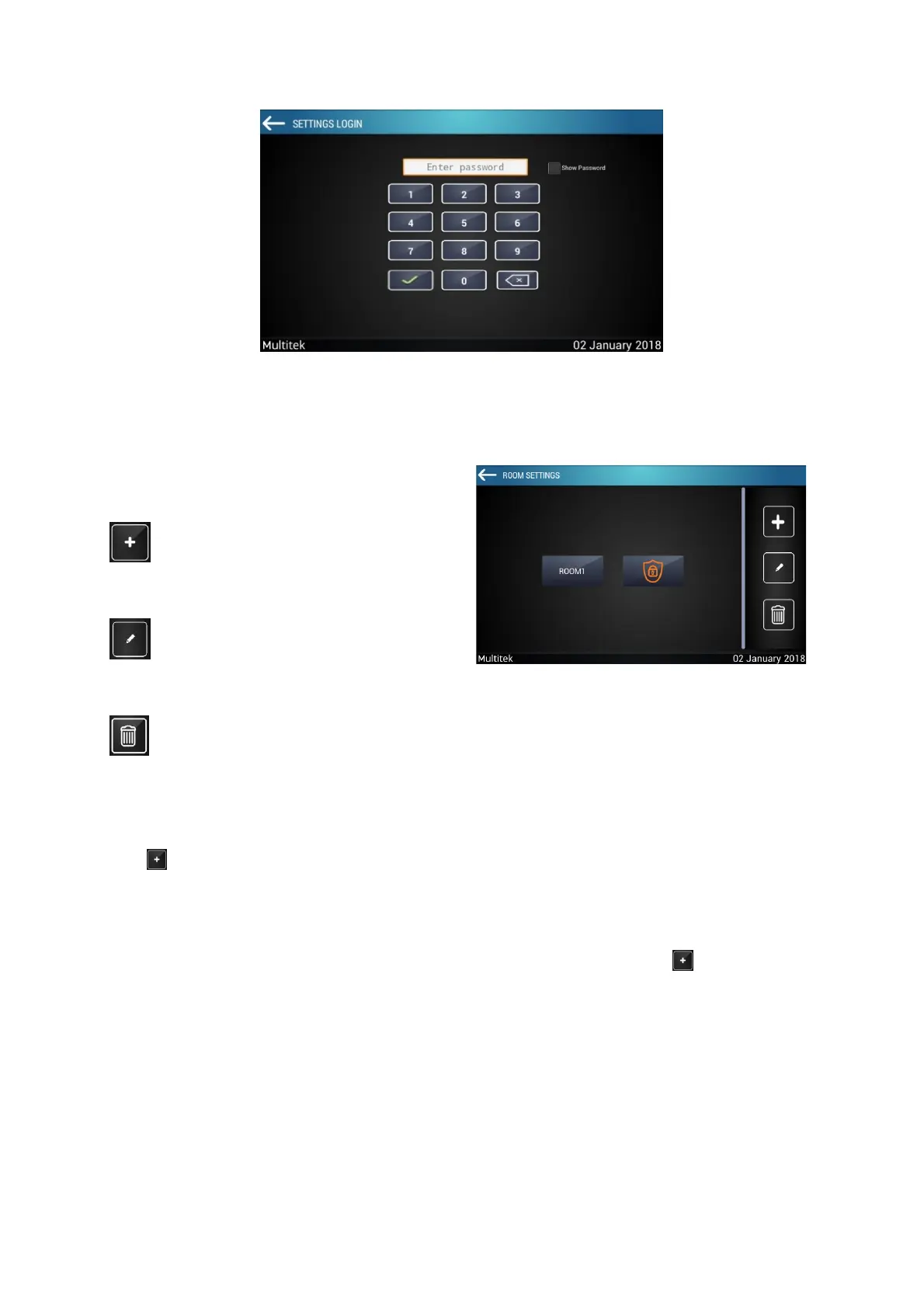
The room settings screen has the following keys. (Figure 12)
You can add, edit or delete room with this keys.
Press for adding room. “ADD ROOM” screen (Figure 12) appears. You can change room name by click the
box on top right.
9 devices are defined on the device section. These devices are; Blind-R, Blind-M, Dimmer, Lights-R, Lights-M,
HVAC, 4-Button Relay Control, IR and Heat-Cool. Select the device which you want, press on bottom right.
Added device to the Room Devices section.
Figure 12:Room Settings Screen



 To Next Page