19
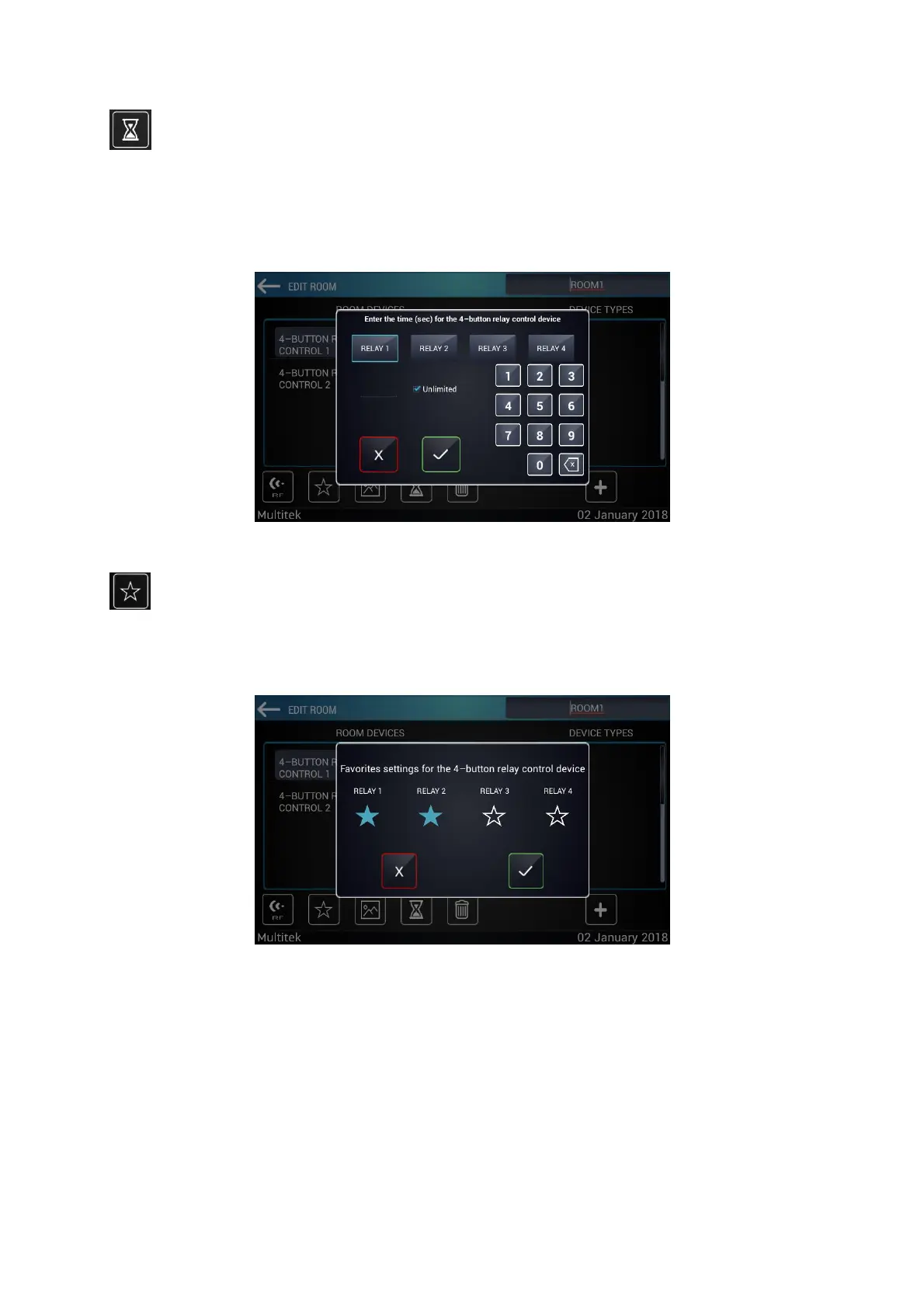
To set the time, press the hourglass button under the Room Devices section. The duration of the devices is
entered and saved.
Figure 16: Setting Time
The devices to be added to the scenario are added to favorites from the star icon under the Room devices
section.
7.3.3 Edit Alarm
Press the “PROTECTION” button on the "Room Settings” screen. The opened screen will be as follows. The Zone
1, 2, 3, 4 section in this section shows the devices to which the alarm will be active. Example; Choose a lamp
from the device types. This lamp is connected to the alarm; the lamp will remain burned as long as the alarm
active. The lamp will turn off when the alarm occurs. The device can be activated by selecting the desired zone.



 To Next Page