8
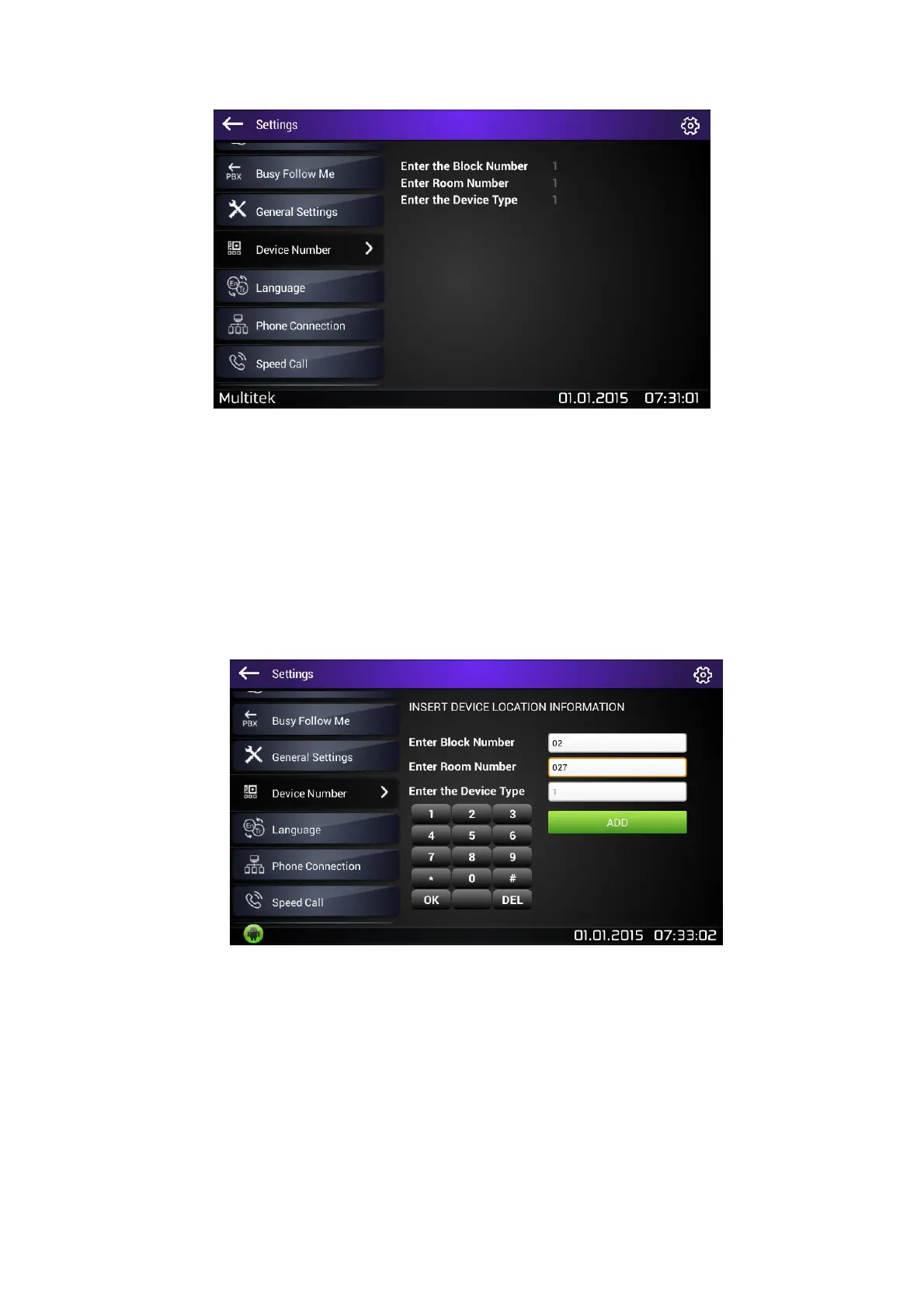
Figure 4: Device Number Settings
When you touch Device Number, you will see the current catalogue number of the device.
However, you will not be able to edit these fields without entering editing mode.
There are two ways to enter editing mode according to type of your device:
Press Volume - button then touch Device Number (flush mount monitors do not have this buttons)
Touch the settings icon located on the right upper corner for 5 seconds, then tap the setting that you
want to update.
Figure 5: Updating Device Number



 To Next Page