Maintenance
Change the oil in the vacuum pump
72 11.06.2014
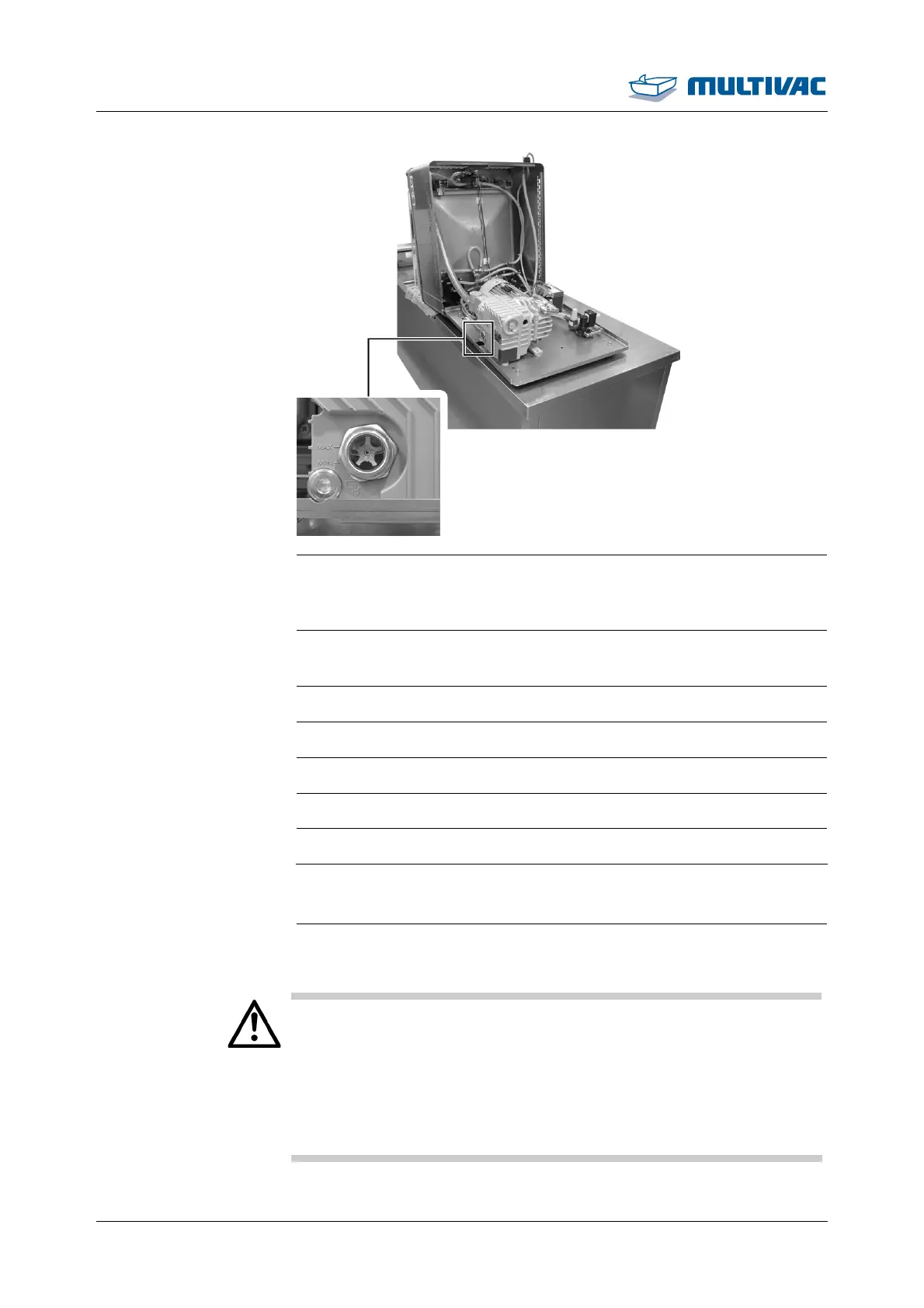
¾ Check the oil level on the oil sight glass.
– The oil level is then approximately in the middle of the oil sight
glass.
¾ Turn the screw plug in the fill opening and screw it tight. To do so,
turn the screw plug clockwise.
¾ Wipe off and remove any oil.
¾ Close housing, see Section 7.5.2 "CLOSE HOUSING".
¾ Connect the machine to the mains electricity.
¾ Switch on the machine.
¾ Check the oil level after a couple of machine cycles.
7.7 Change the air de-oiling element
¾ Open housing, see Section 7.5 "OPEN AND CLOSE THE HOUSING".
WARNING
Burn hazard!
The surface of the vacuum pump can reach temperatures of over
70 °C during operation.
Touching the vacuum pump can lead to burns.
Before performing any work on the vacuum pump:
¾ Allow the vacuum pump to cool down.
¾ Wear personal protective equipment.



 To Next Page