3-126
3.11 Monitor speaker
If you need to monitor the signal of fax communication, turn this mode to On. You can hear the signal
sound with machine’s speaker during fax transaction.
1. From standby mode, press <Menu>, <*>, <0>, <8>, <
>.
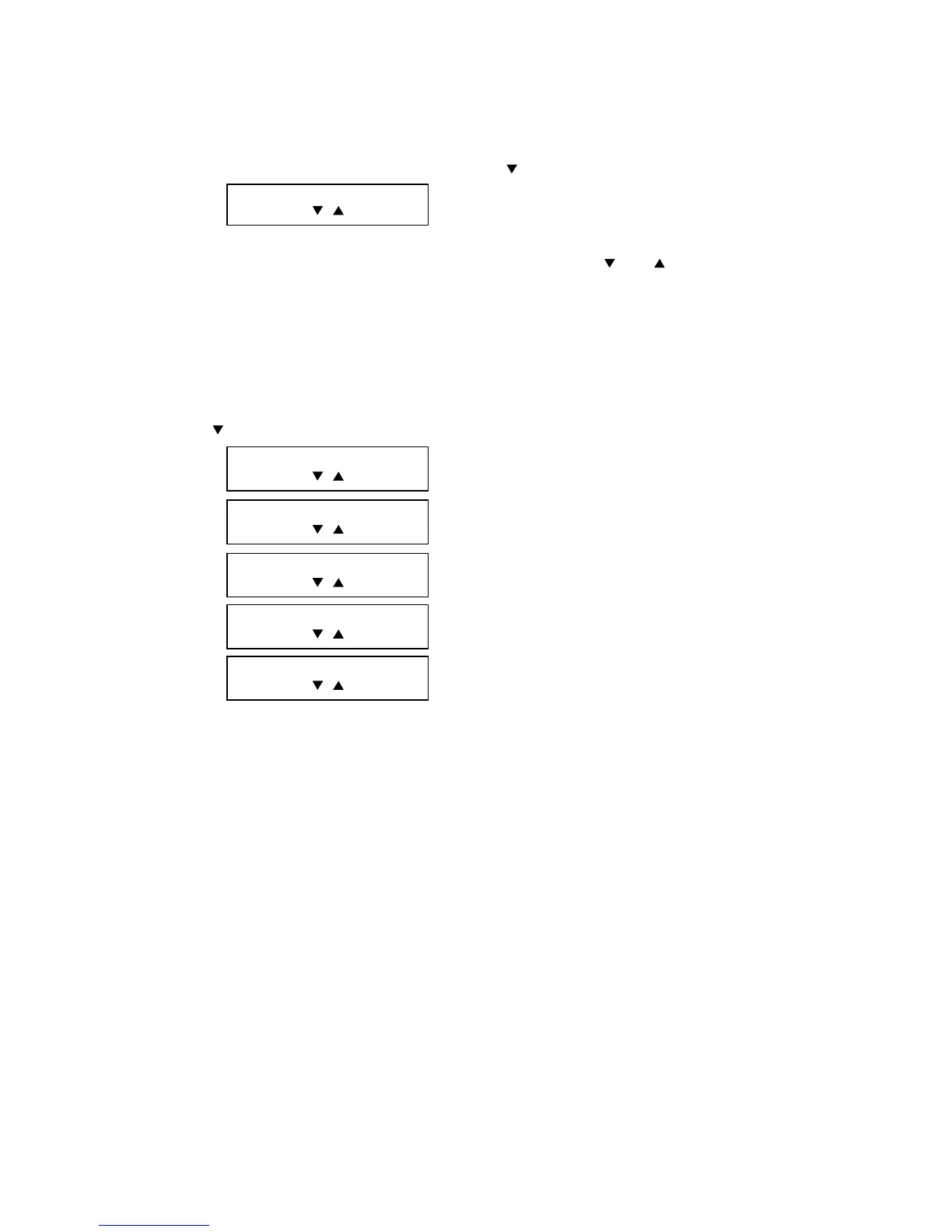
Monitor Speaker :On
/ /Enter
2. Press <Enter> to turn the mode on.
Note: To turn this mode off, perform step 1 by selecting “Off” using <
> or < >.
3.12 Test Modes
This mode offers the ability to print a test pattern and monitor certain unit output functions. Included are
followings.
1. Press <Menu>, <*>, <0>, <9> to enter the test mode.
Press <
> to scroll through the test modes.
Life Monitor
/ /Enter
Test Pattern Print
/ /Enter
Feeder Test
/ /Enter
Port Status
/ /Enter
Set Background Level
/ /Enter
2. Press <Enter> to entry the desired test mode.



 To Next Page
 Loading...







