Specifying the Network Settings 2-73
1
2
Management
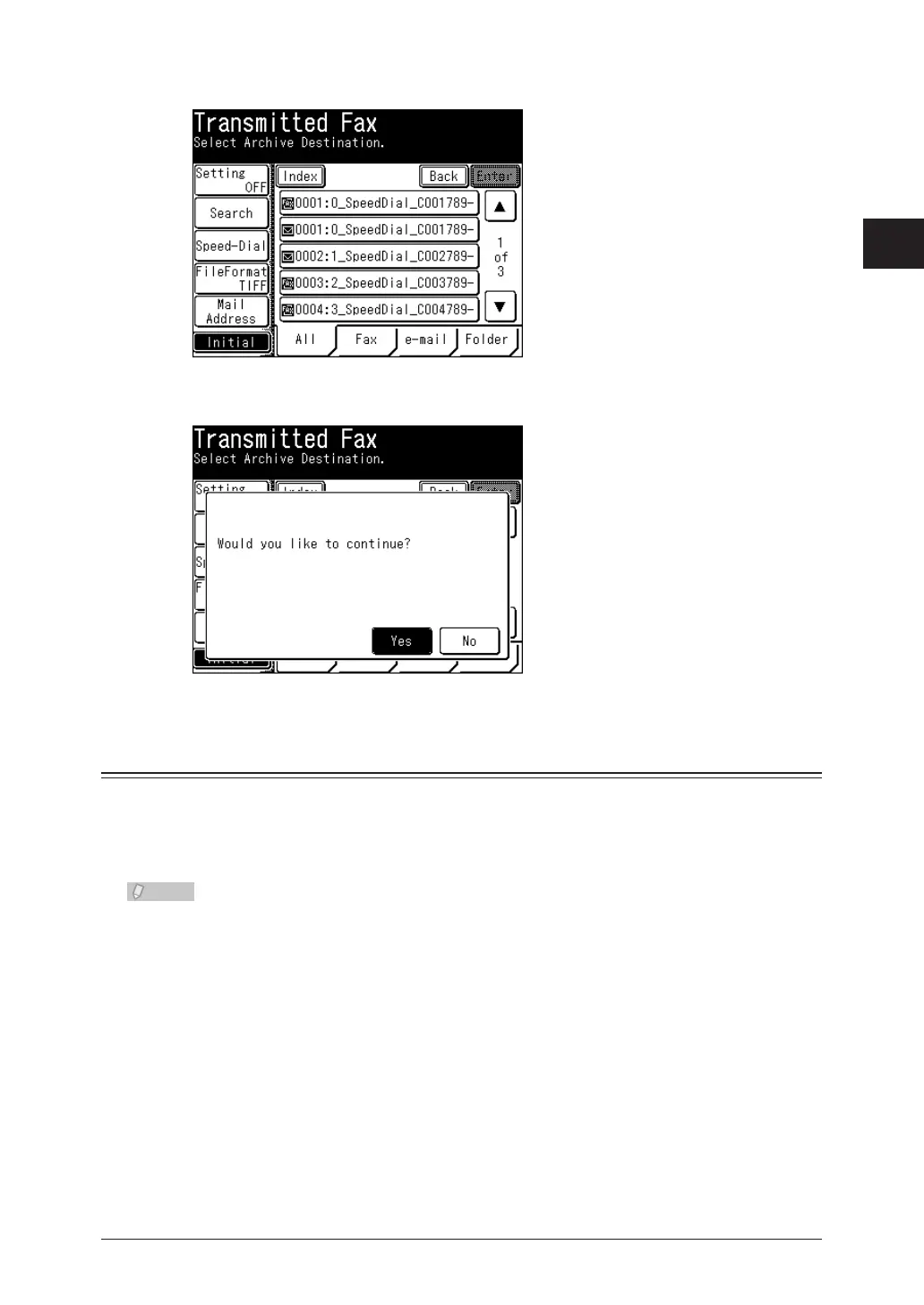
Press [Initial].
7
Press [Yes] to proceed with the initialization.
8
Setting an E-mail Gateway
The e-mail gateway function enables you to set a prefix and suffix in advance to reduce
the operations required when transmitting faxes. When transmitting with a fax number
set, the prefix and suffix are automatically merged with the number to transmit an
e-mail.
You can also specify e-mail gateway settings using • OfficeBridge. For details, refer to
Chapter 3, “Specifying Device Settings” in the OfficeBridge Guide.
For details on transmitting faxes using the e-mail gateway function, refer to •
Chapter 4, “Various Fax Functions” in the Scanner and Fax Guide.
Press <Setting>.
1
Press [Management].
2
If an administrator password is set, enter the password and press [Enter].
3
If an administrator password is not set, proceed to step 4.



 To Next Page
 Loading...








