z
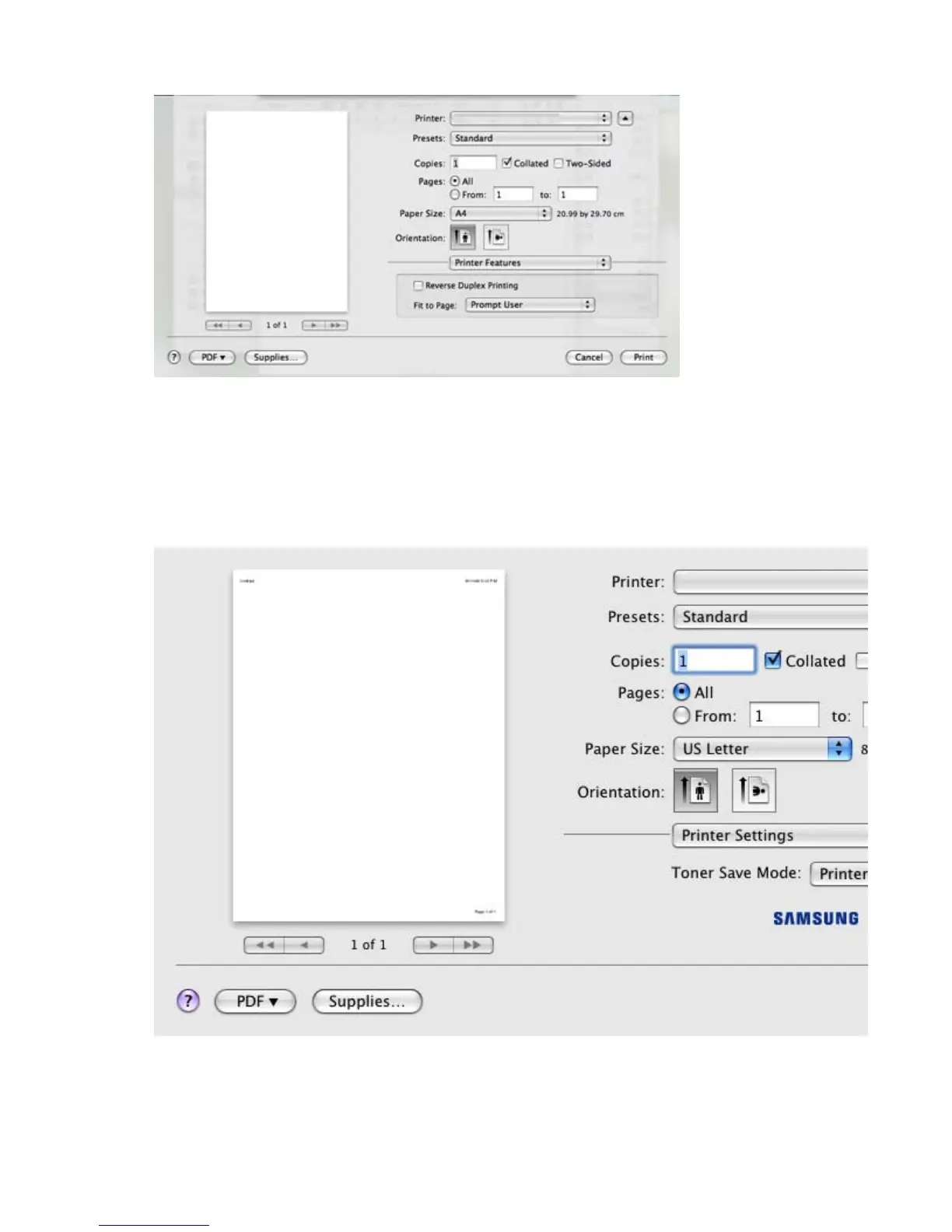
Reverse Duplex Printing: This option allows you to select general print order compared to
duplex print order. If this option does not appear, your machine does not have this feature.
z
Fit to Page: This option allows you to scale your print job to any selected paper size
regardless of the document size. This can be useful when you want to check fine details on a
small document.
Toner Save Mode
Selecting this option extends the life of your toner cartridge and reduces your cost per page
without a significant reduction in print quality..
z
Printer Setting: If you select this option, this feature is determined by the setting you have
made on the control panel of the printer.
z
On: Select this option to allow the printer to use less toner on each page.
z
Off: If you do not need to save toner when printing a document, select this option.
Pa
e 14 of 23Printin
8/4/2009htt
://downloadcenter.samsun
.com/content/UM/200907/20090721152022250/EN/en
lish
...









 To Next Page