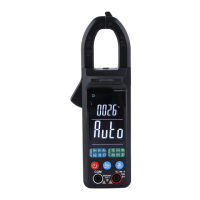
Selection of manual/automatic measuring range
Automatic measuring range is adopted after start-up or switching to measurement function. For most occasions
of application, this is the most convenient measuring method. On occasions where a certain measuring range shall be
fixed, user may perform the following operations:
1. Press “R” button and the mark of automatic measuring range “AUTO” will disappear and the instrument enters
into manual measuring state.
2. At each time when “R” button is pressed, the instrument will be switched to the next measuring range.
3. Press “R” button for 2 seconds, the instrument will return to automatic measuring state.



 To Next Page