3. Press F3 button to switch to DC/AC/Hz/% measuring mode (the default mode is DC).
4. Use test lead to touch the test point.
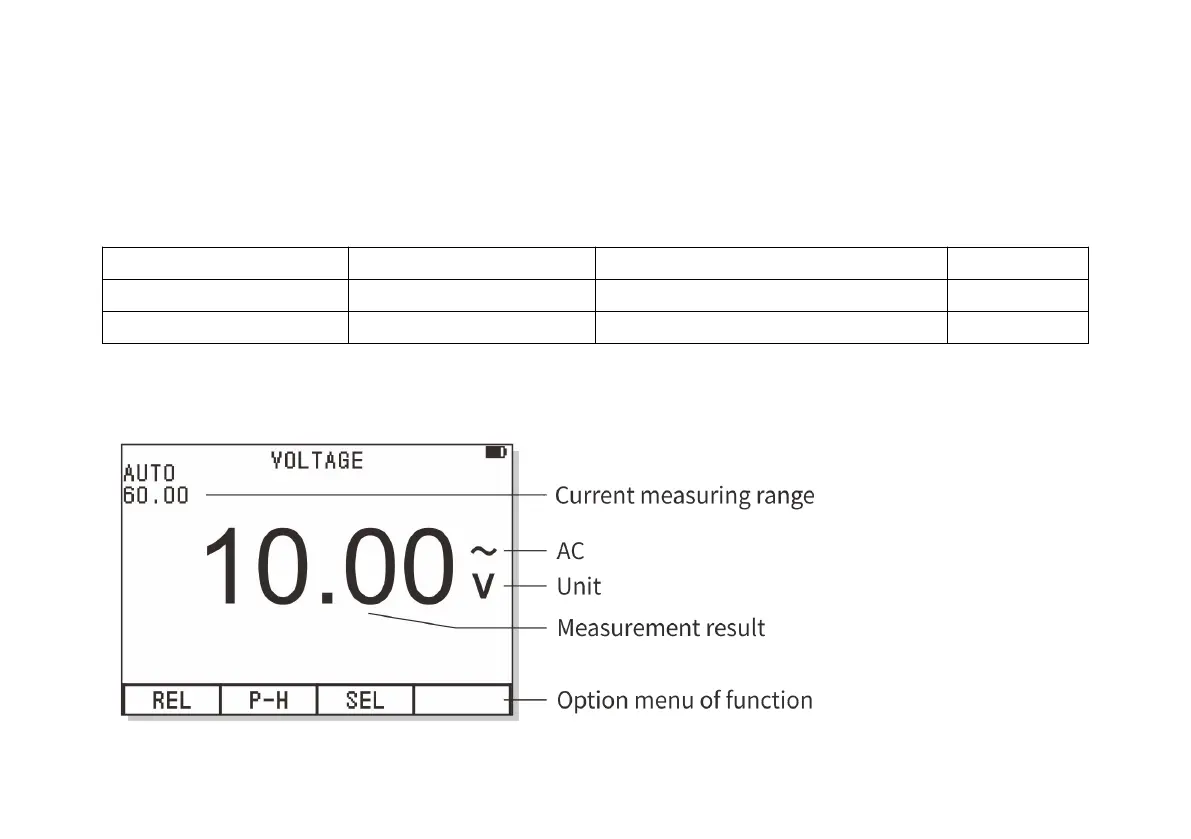
5. The instrument will display the value of voltage. The displayed result includes the value, decimal point and
polarity.
The option menu of voltage measurement is as follows:
Extended measuring function
a. Press F1 button (REL) to enter into relative value mode.
b. Press F2 button (P-H) to enter into peak value holding mode.
c. Press F3 button (SEL) to select other functions: DC, AC, frequency Hz, duty ratio %.



 To Next Page