VJ-1638/1638W OPERATION MANUAL ERRATA
October 2012
VJ1638xE-A-01c 13 MUTOH INDUSTRIES LTD.
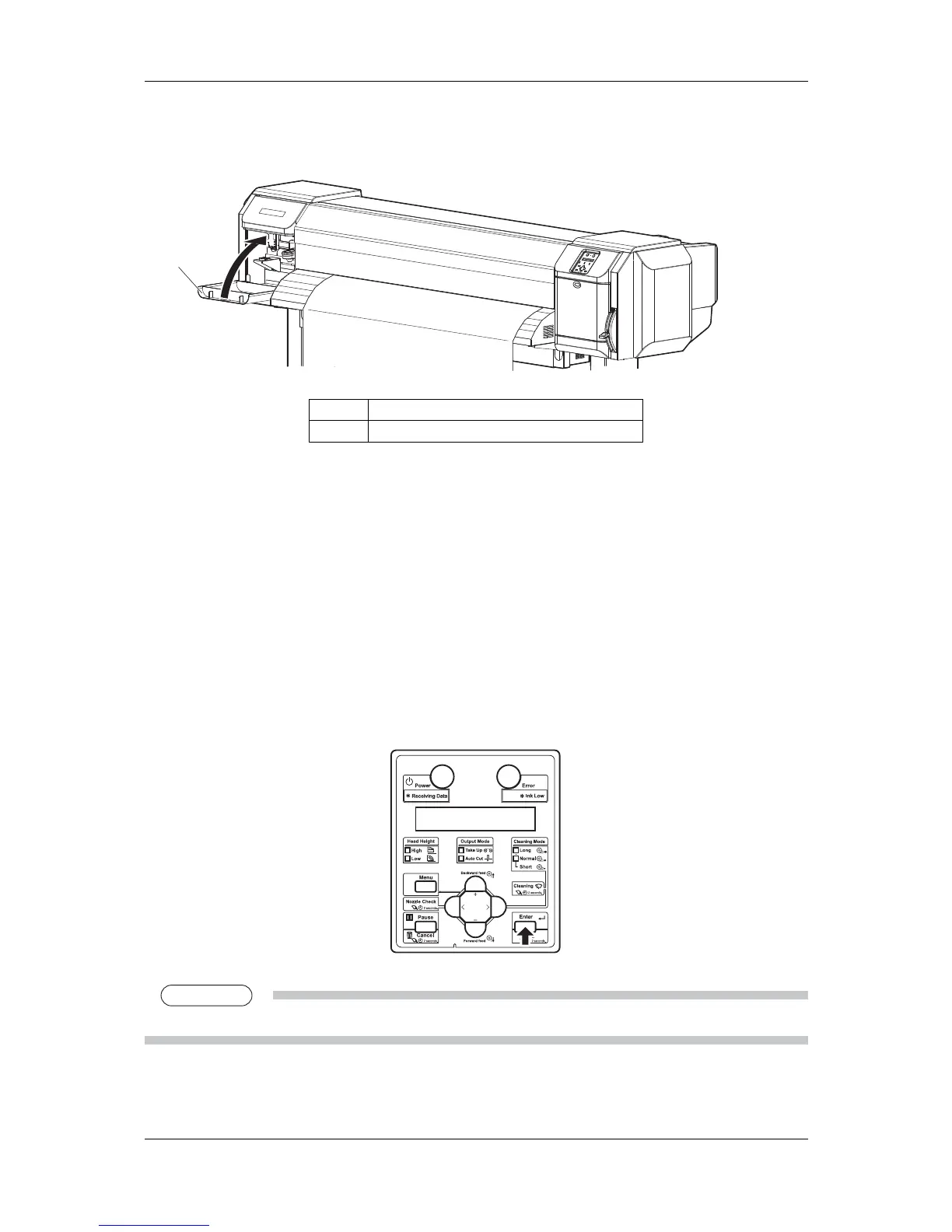
15. Close the maintenance cover.
1
No. Name
1 Maintenance cover
The print head moves to the right.
"Wait for a while..." is displayed on the operation panel.
16. When "Start measurement [ENTER]" is displayed on the operation panel, press the [Enter]
key.
Spectrophotometer starts measuring the color patches.
"Measuring..." is displayed on the operation panel.
After measuring is complete, "Detaching instrument [ENTER]" is displayed on the
operation panel.
NOTE


 To Next Page
 Loading...










