VJ-1638/1638W OPERATION MANUAL ERRATA
October 2012
VJ1638xE-A-01c 14 MUTOH INDUSTRIES LTD.
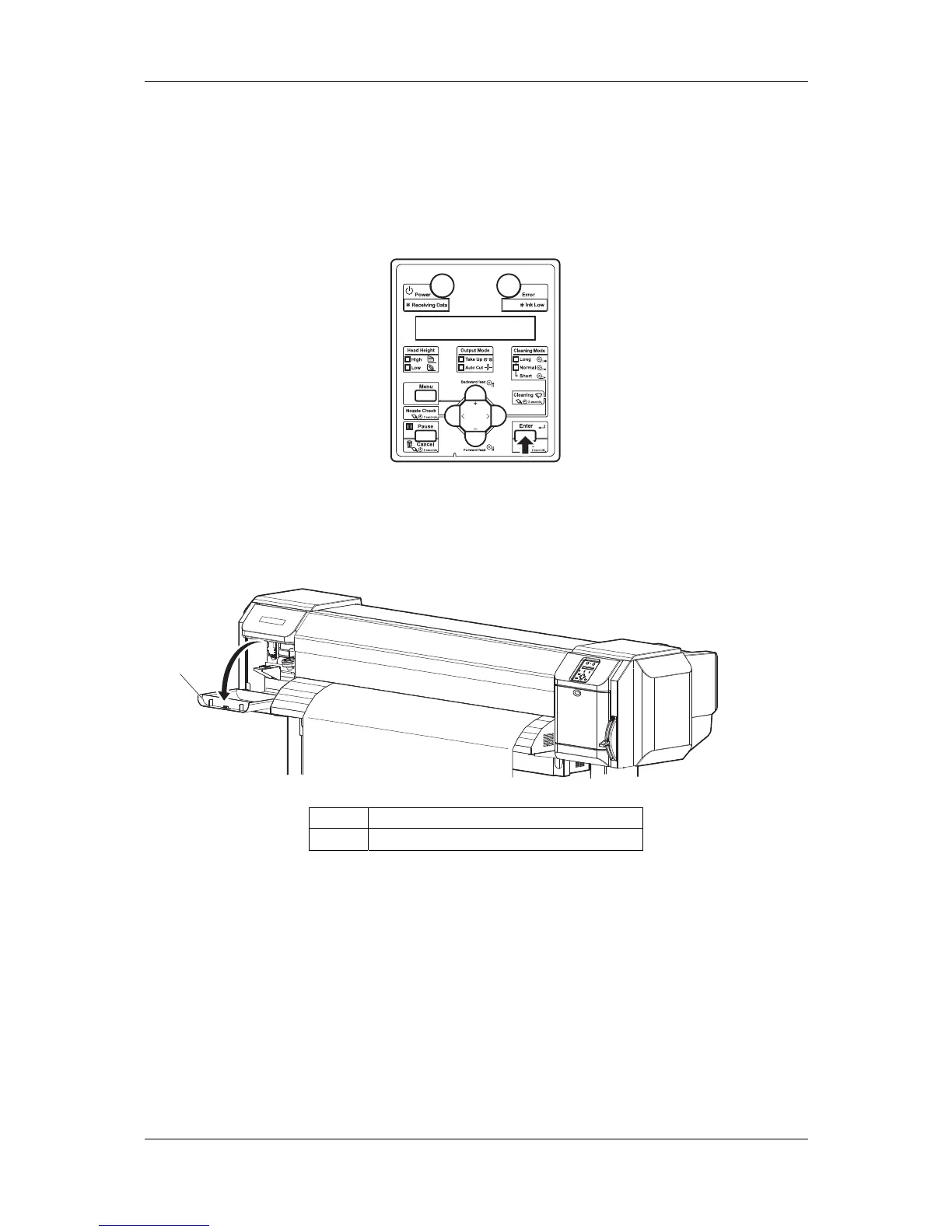
17. Press the [Enter] key.
"Wait for a while..." is displayed on the operation panel.
The print head moves to the left.
"Open left mainte. cover." is displayed on the operation panel.
18. Open the maintenance cover on the left of the printer.
"Detach instrument and Set connector [ENTER]" is displayed on the operation panel.
1
No. Name
1 Maintenance cover


 To Next Page
 Loading...










