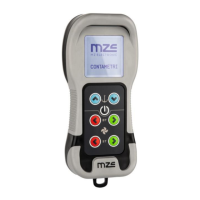
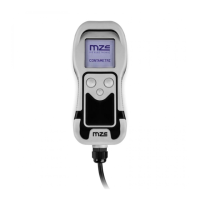
EV-030 Rev. 07 – 2008
English
38
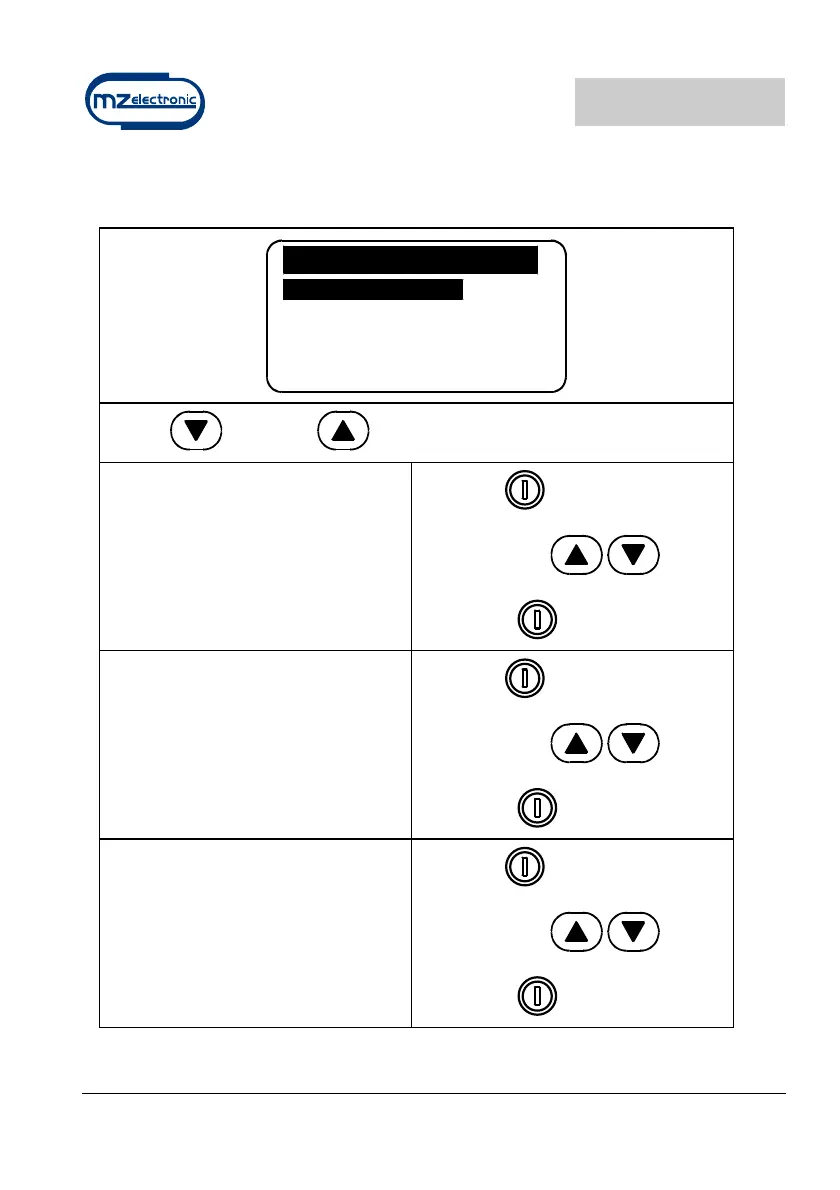
Settings menu
Settings
Contrast
Light
BkLight Time 30
Keyb. Beep Yes
Exit
Use the (DOWN) or (UP) key to move around the parameters.
Contrast
By enabling this function it is possible to
start the display contrast programming
procedure.
Select with
Select value with
Confirm with
Light
By enabling this function it is possible to
start the display luminous intensity
programming procedure.
Select with
Select value with
Confirm with
BackLight Time
This function allows the user to set the
backlight on time during which the
display remains lit after the last
command given (default value 30
seconds).
Select with
Select value with
Confirm with


 To Next Page