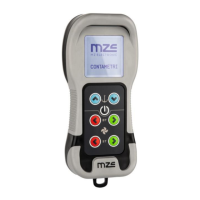
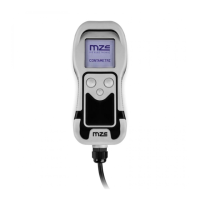
EV-030 Rev. 07 – 2008
English
47
Measurement reset
To reset the measurement count simultaneously press the (ON) and the
(UP) keys for at least three seconds.
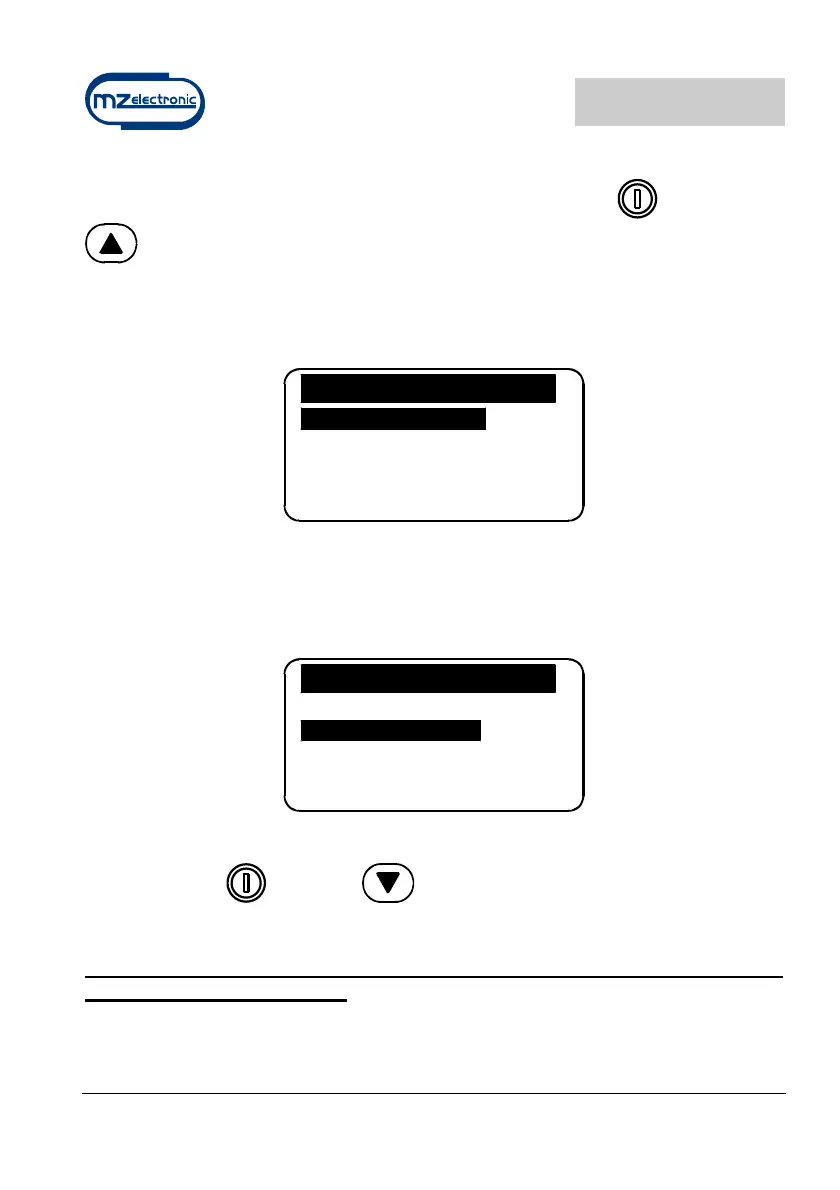
Measurement reset may also be performed in the Measurement menu by
selecting “Yes” in the Reset Measure row.
Measure
Reset Measure No
Units Feet
Rope_Chain Off
Exit
Automatic casting of the anchor
This function must be enabled in the Alarms and Functions menu (disabled
by default).
Alarms & Functi
Up Alarm 3.0
Auto Down Off
Load Default No
Exit
Select the row “Auto Down” and set the value at which the anchor must stop.
Then press the
(ON) and (DOWN) keys for at least three seconds.
Once anchor casting has commenced, release the keys.
For safety reasons it is however possible to interrupt automatic descent by
pressing any instrument key.

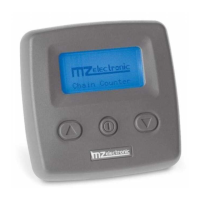

 To Next Page