XLR
RCA
Power on & Audio input selection
Only proceed if you have completed the installation steps as described in the previous chapter
INSTALLATION OF YOUR HD PREAMP.
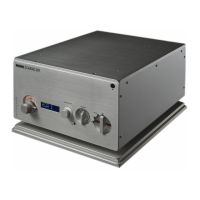
To use your HD PREAMP, firstly you must push the Mains power switch to position 1
(ON). The Mains power switch is located on the rear panel of power supply chassis.
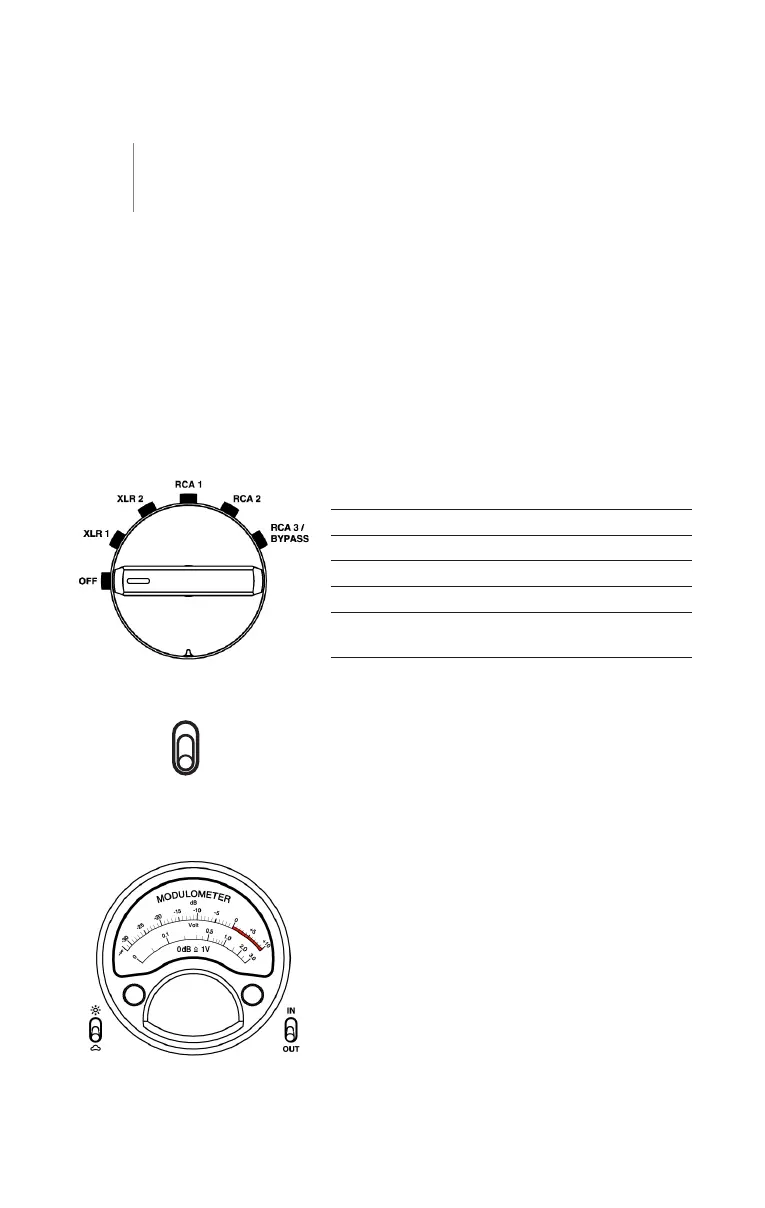
The front rotary selector offers 6 positions to select the desired input or to switch
your HD PREAMP OFF:
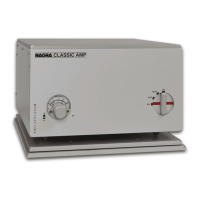
Audio output selection
Connectthe HDPREAMPoutputto youramplifier(s)
by using either the XLR or RCA connectors accord-
ing to the XLR/RCA switch position on the audio
device chassis front panel.
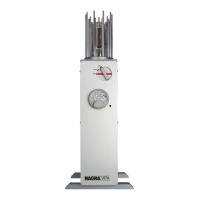
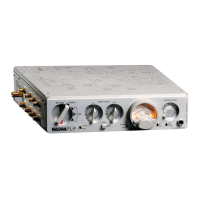
Nagra modulometer
The Nagra modulometer is inherited from the second
recorder developed by Nagra back in 1952, the Nagra
II. The Modulometer is a typical Nagra precision
instrument that displays the necessary information to
achieve the best possible audio level setting. In the
case of the HD PREAMP, the modulometer displays
either the selected audio input level or the selected
audio output level.
Reference 0 dB = 1 VRMS .
Left channel – black needle
Right channel – red needle
OFF Similar to STANDBY, the unit is
still powered but the consumption
remains very low
XLR1 Selection of XLR1 input
XLR2 Selection of XLR2 input
RCA1 Selection of RCA1 input
RCA2 Selection of RCA2 input
RCA3/BYPASS Selection of
RCA3/BYPASS input
OPERATION OF YOUR HD PREAMP //
HD PREAMP
03



 To Next Page