IN
OUT
MUTE
RESET
Volume control synchronization & warning LED
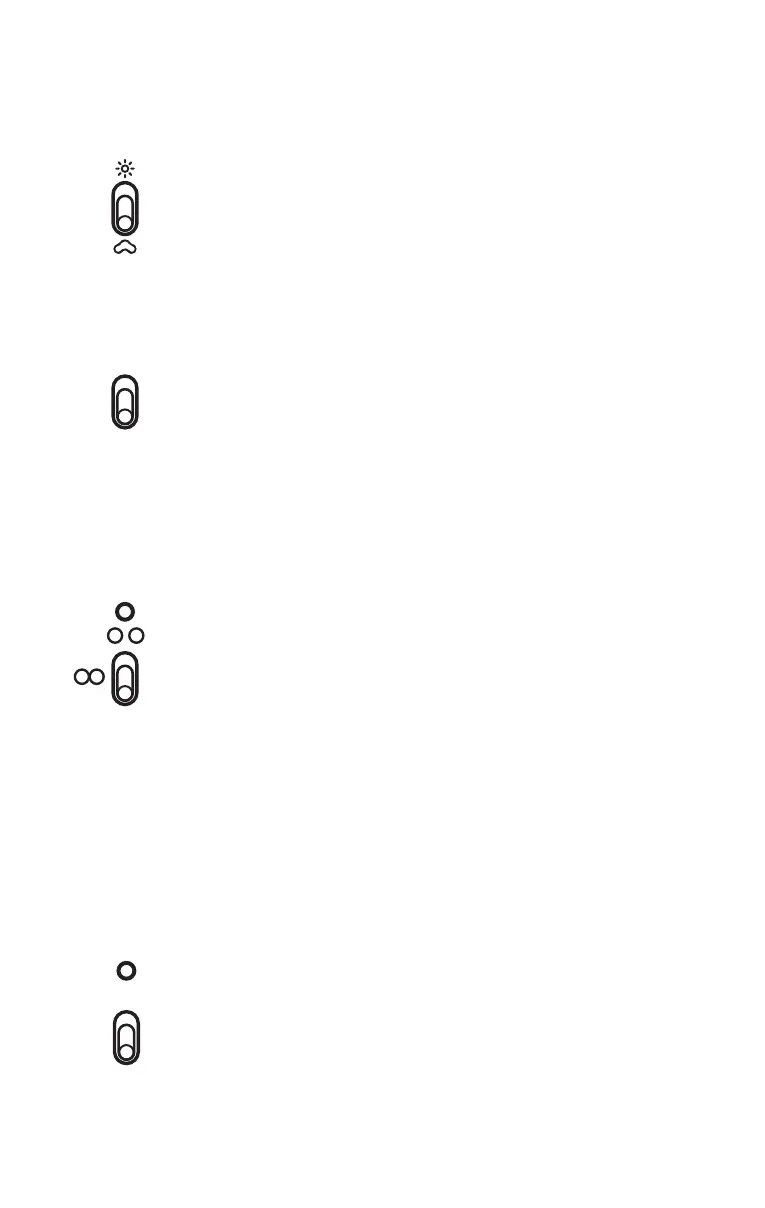
Light intensity adjustment
This two-way toggle switch allows you to adjust the Modulometer &
displays backlight intensities. Pushing the toggle up will increase the
brightness, pushing it down will lower the brightness all the way to
complete extinction. There are 7 different intensity levels.
Mute
The outputs of the HD PREAMP can be set to standby mode when
you activate the MUTE switch. Pulling up the switch will activate the
muting (no more sound) and light the yellow LED. Pulling down the
switch will deactivate the muting and turn the yellow LED off. The HD
PREAMP outputs will be working again.
Warning LED
Blinking during preheating process.
ON when preheating is ended and volume controls are desynchronized.
OFF when preheating is ended and volume controls are synchronized.
○ ○ Desynchronization of both volume controls.
They can be moved separately.
○ ○ Synchronization of both volume controls. They move simultaneously.
RESET
When pushing switch on RESET, both volume controls calculate an
average between their positions and move to this average position
(useful for resynchronizing volume controls).
Modulometer IN/OUT
Selection of audio signal displayed by modulometer.
03
NAGRA HD PREAMP // OPRERATION // 022 + 023



 To Next Page