3-2 EHP-TS software
3.3 Installing EHP-TS
Software
Before connecting the EM field analyzer to PC the EHP-TS software
installation should be performed:
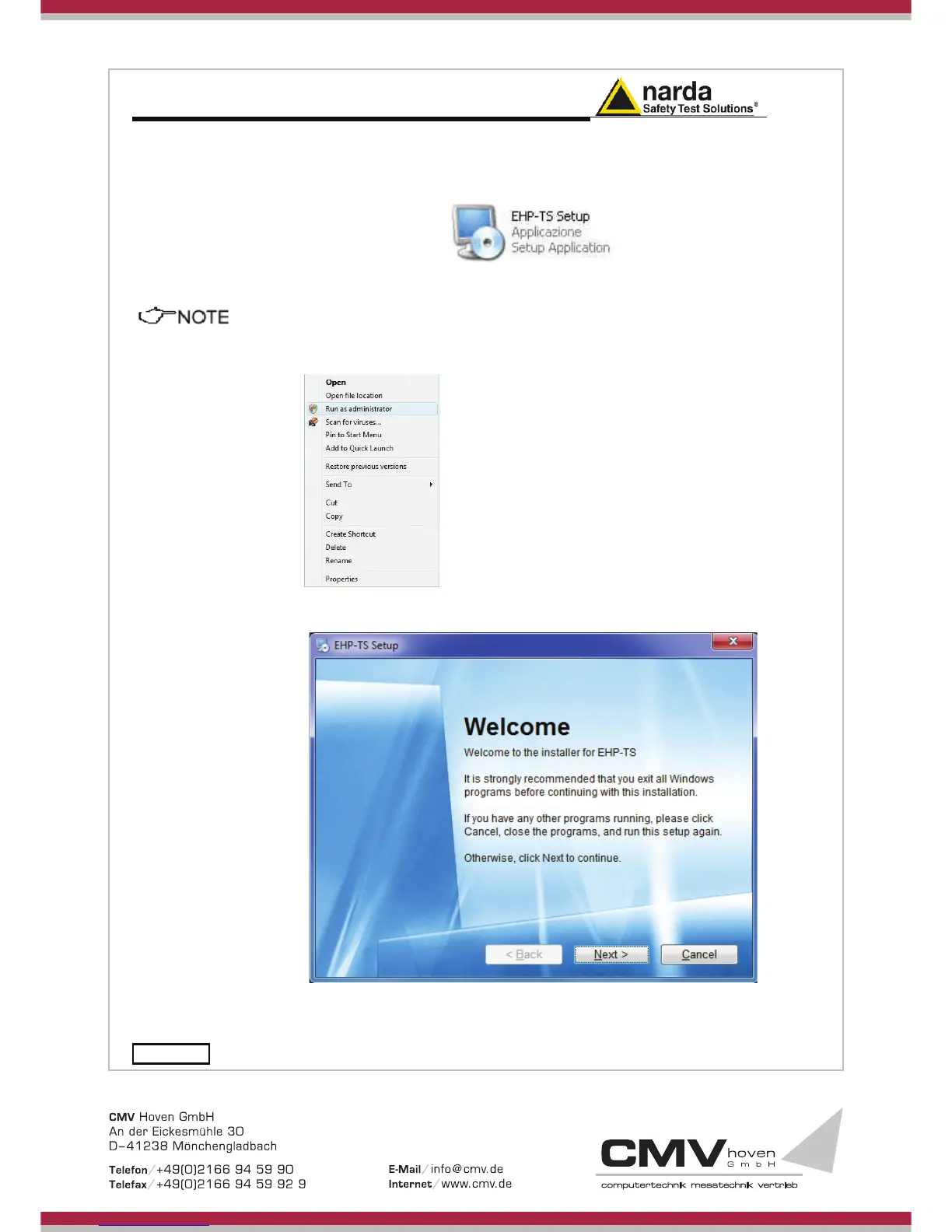
Insert the EHP-TS CD into the driver of your PC and run the file “EHP-TS
Setup.exe”.
The User must have administrator privileges to install the EHP-TS
software in Windows 7, Windows 8; right click on the program .exe file
and click on “Run as administrator” to temporarily run the program or
application as an administrator until close it (Windows 7 also allows to
mark an application so that it always runs with administrator rights).
Follow set-up program instructions
Fig.3-1 EHP-TS installation



 To Next Page