Appendix A Device-Specific Information
E Series User Manual A-32 ni.com
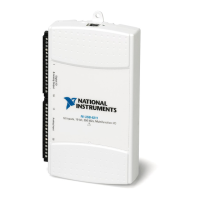
DAQPad-6020E LED Patterns
The DAQPad-6020E has an LED on the front panel. Refer to Table A-4 for
descriptions of each LED state.
DAQPad-6020E Specifications
Refer to the NI DAQPad-6020E Family Specifications for more detailed
information on the devices.
NI DAQPad-6020E Pinout
Figure A-33 shows the NI DAQPad-6020E device pinout.
Note Some hardware accessories may not yet reflect the NI-DAQmx terminal names. If
you are using an E Series device in Traditional NI-DAQ (Legacy), refer to Table 1-5,
Terminal Name Equivalents, for the Traditional NI-DAQ (Legacy) signal names.
Table A-4. DAQPad-6020E LEDs
LED DAQPad-6020E State
On The device is configured.
Dim —
Off The device turns off or goes into the low-power, suspend mode when
the computer is powered down.
1 blink The device is recognized but not configured.
2 blinks The device displays this pattern if the host computer detects the
DAQPad but cannot configure it. This problem arises if NI-DAQ is
not properly installed, or there are no system resources available.
4 blinks If this pattern is displayed, contact National Instruments.



 To Next Page
 Loading...