23
To reduce the risk of electrical shock or unsupervised usage of the equipment, always unplug the power cord from the wall outlet and the
machine and wait 5 minutes before cleaning, maintaining or repairing the machine. Place the power cord in a secure location.
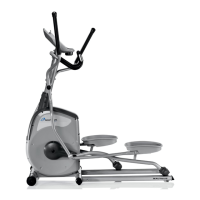
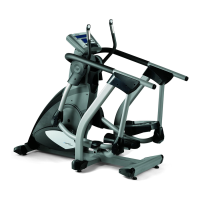
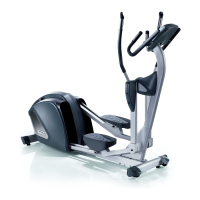
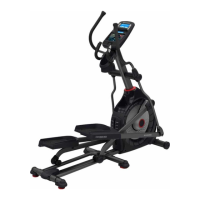
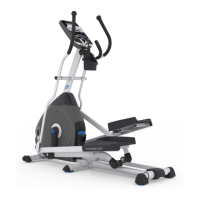
Note: Your machine may not match the image. For reference only.
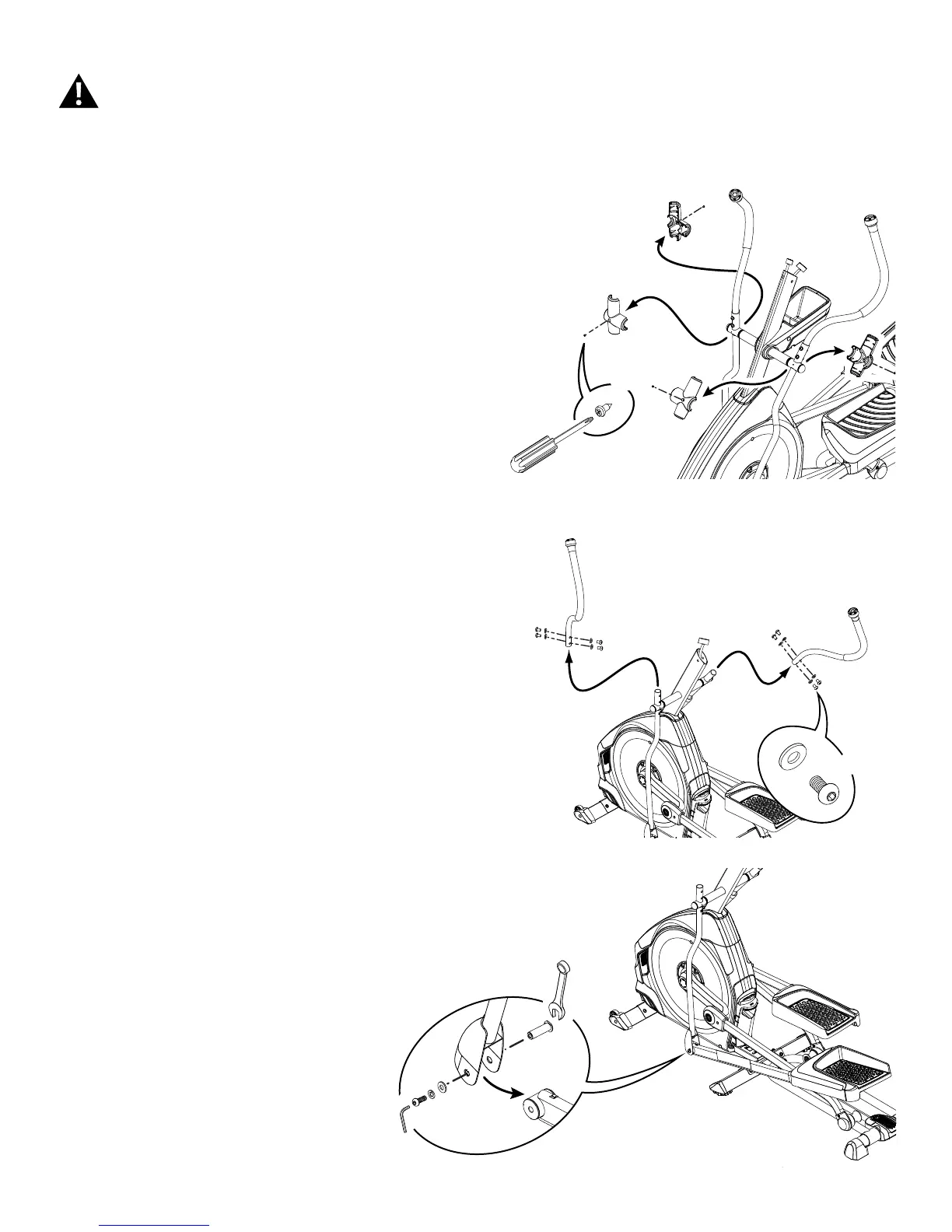
1. E616 only—loosen and remove the 4 screws from the Handlebar
Shrouds. Remove the Handlebar Shrouds and set them safely aside.
2. Using a 6 mm hex wrench, remove the 8 indicated bolts from the Upper
Handlebar Arms.
3. Remove the Upper Handlebar Arms and set them safely aside.
4. Using a 6 mm hex wrench and a 13 mm wrench, remove the 2 indicated
bolts from the Lower Handlebar Arms and Pedals.
X8
#2
X4
6mm
13mm
Console-static handlebar not shown for clarity


 To Next Page