29
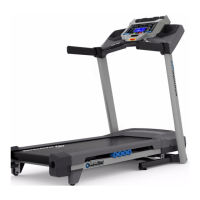
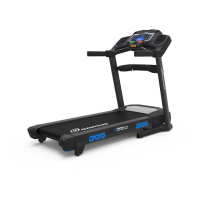
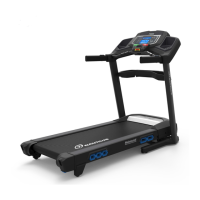
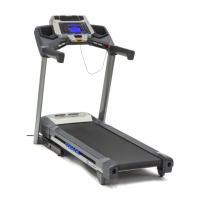
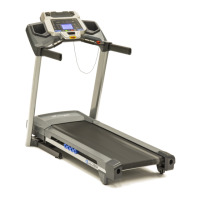
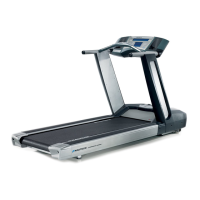
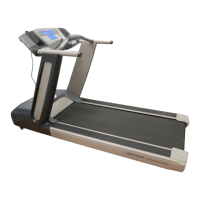
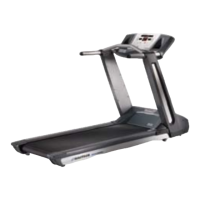
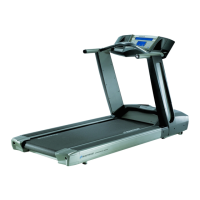
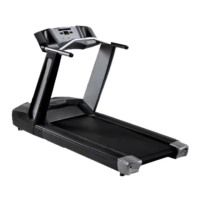
T624 / T684 / 530 / 570
The Console Setup Mode lets you control the sound settings ( on/off ), adjust the date and time, or see maintenance statistics
(Total Run Hours and Software Version– for service technician use only).
1. Hold down the PAUSE/STOP button and Right button together for 3 seconds while in the Power-Up Mode to go into the
Console Setup Mode.
Note: Push PAUSE/STOP to exit the Console Setup Mode and return to the Power-Up Mode screen.
2. The Console display shows the Date prompt with the current setting. To change, push the Increase/Decrease buttons to
adjust the currently active value (flashing). Push the Left/Right buttons to change which segment is the currently active
value (month / day / year).
3. Push OK to set.
4. The Console display shows the Time prompt with the current setting. Push the Increase/Decrease buttons to adjust the
currently active value (flashing). Push the Left/Right buttons to change which segment is the currently active value (AM or
PM / hour / minute ).
5. Push OK to set.
6. The Console display shows the UNITS prompt with the current setting. Push the Increase/Decrease buttons to change
between “MILES” and “KM”.
7. Push OK to set.
8. The Console display shows the Sound Settings prompt with the current setting. Push the Increase/Decrease buttons to
change between “ON” and “OFF”.
If the Sound has been muted, the Console will display the “AUDIO OFF” prompt before a Workout starts as a reminder.
9. Push OK to set.
10. The Console display shows the TOTAL RUN HOURS for the machine.
11. For the next prompt, push the OK button.
12. The Console display shows the Software Version code.
13. For the next prompt, push the OK button.
14. The Console display shows the LOG prompt.
15. For the next prompt, push the OK button.
16. The Console will display the Power-Up Mode screen.


 To Next Page
 Loading...