62
1.Unplugthepowercordfromthemachineandwait5minutes.Placethe
power cord in a secure location.
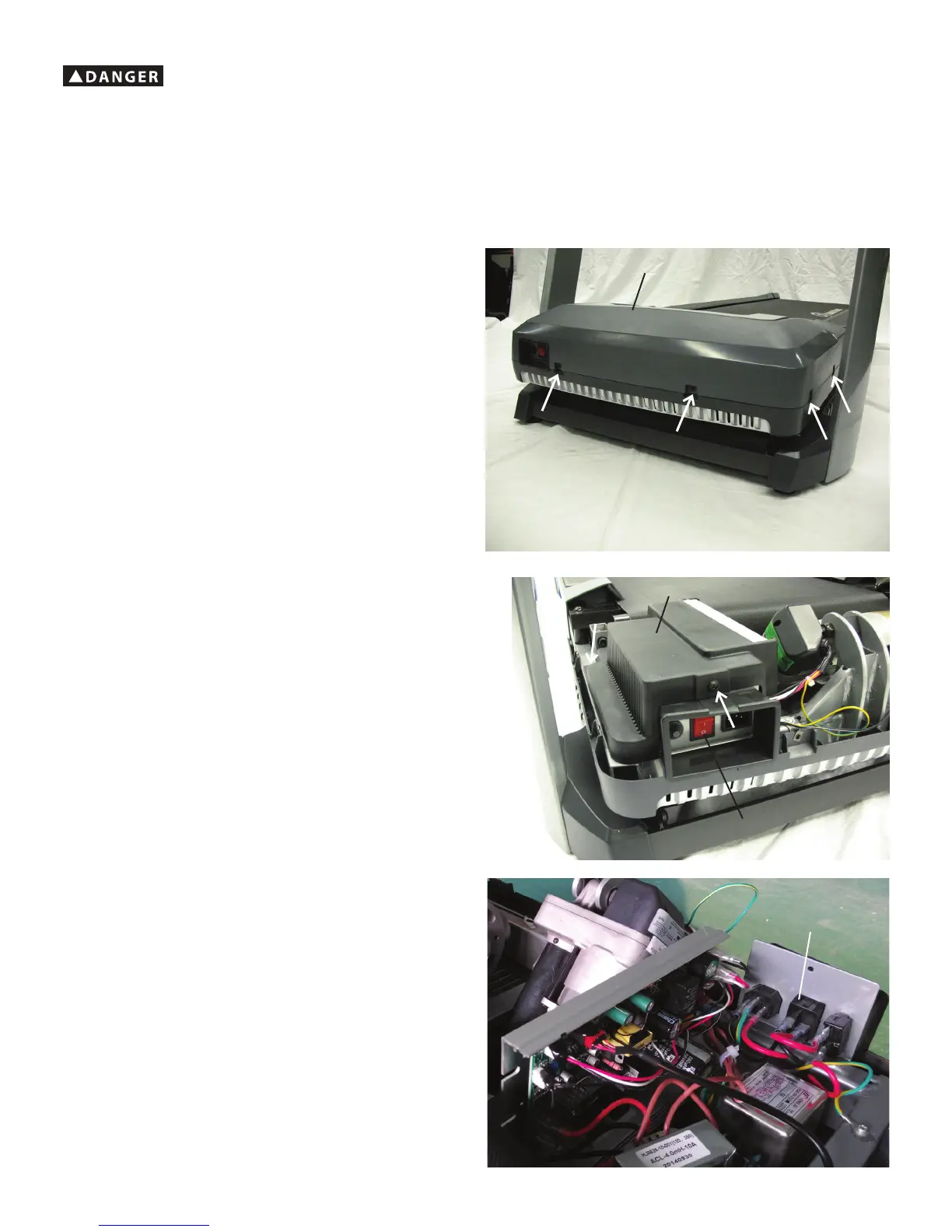
2. Using a #2 Phillips screwdriver remove the 4 indicated screws, and two
additional screws on the far side, from the Motor Cover and remove it.
3. Using a #2 Phillips screwdriver remove the 2 indicated screws from the
MCB Cover and remove it.
4. Release the Securing Clips from the Rocker Switch and remove it from
the Frame.
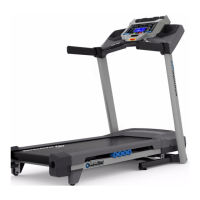
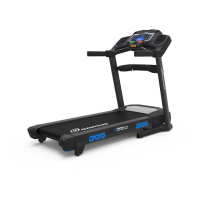
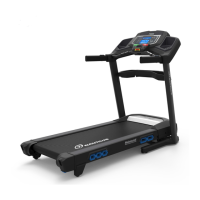
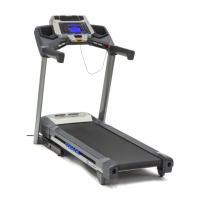
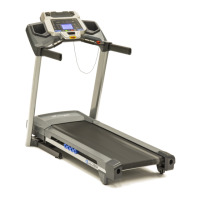
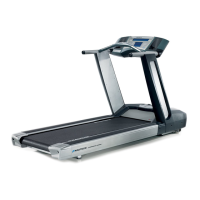
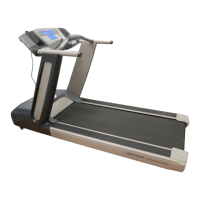
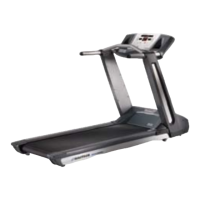
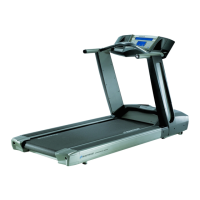
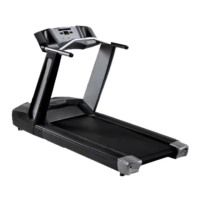
Note: The Nautilus™ T626 is used in the following images. The procedure is the same for the Nautilus™ T624/T684/T686 and Schwinn
®
530/570
models.
Motor Cover
MCBCover
Rocker Switch
!
To reduce the risk of electrical shock or unsupervised usage of the equipment, always unplug the power cord from the wall outlet
andthemachineandwait5minutesbeforecleaning,maintainingorrepairingthemachine.Placethepowercordinasecure
location.
Rocker
Switch


 To Next Page
 Loading...