10
Disc Mode
Select Desired Track
-Press or toskiptothenexttrack.
-Use1-9and0, 10+ buttonson the remote
controltoselectdesiredtracknumber.
Fast Forward/Backward During
Playback
Press or for morethan 2 secondsonce
or more to select X2, X4, X8, X20 to fast
backwardorforwardtrackduringplayback.
- Durin g th e fa s t fo rwar d or back w ard
operation,press
brieytoplaybackagain.
- Durin g th e fa s t fo rwar d or back w ard
operation,thevolumewillbemuted.
Intro (for CD/VCD only)
Youcan playthe beginning of every track for
15secondsinsequence.
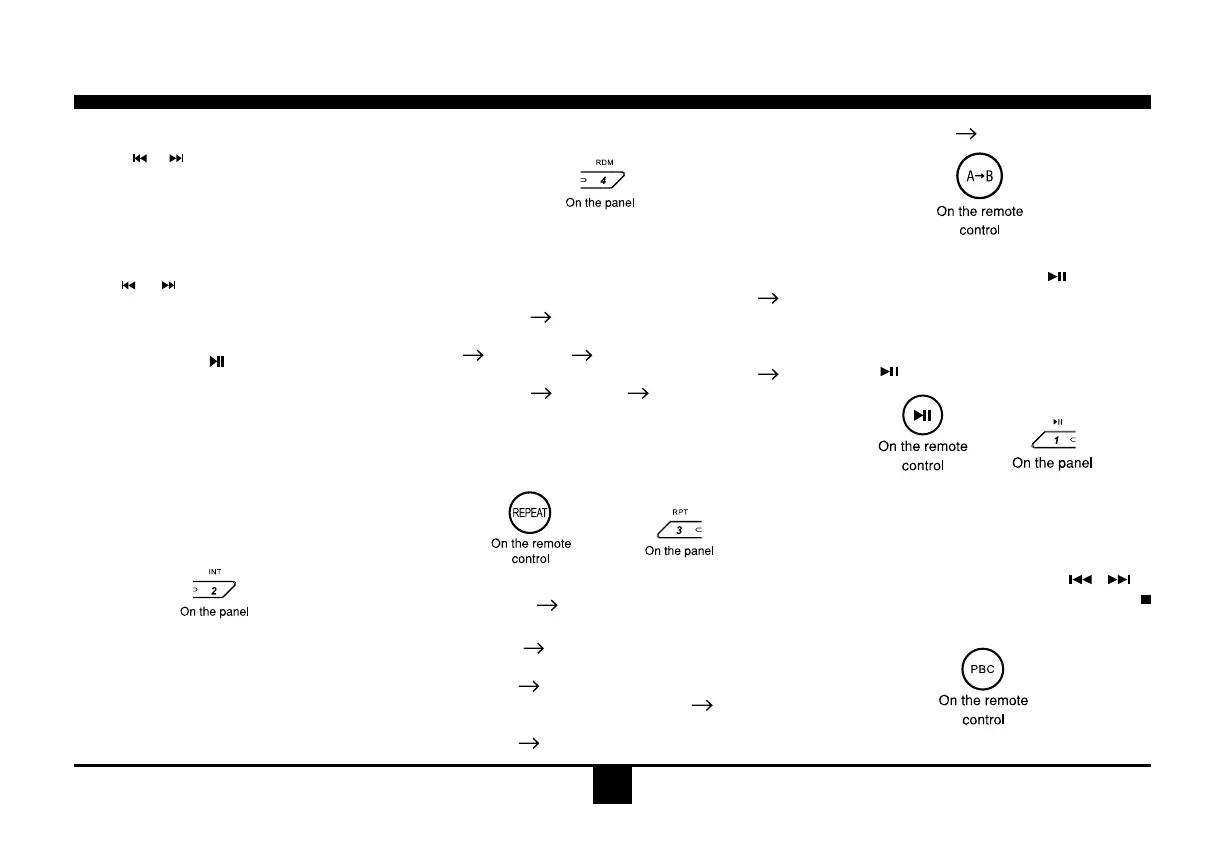
1.Duringplayback,pressINT once.
INTON/OFFwillappearonthedisplay.
2.PressINTagaintoselectthecurrenttrack.
Random Track Playback (for CD/
VCD/MP3 Only)
Youcanplayallthetracksinrandomorder.
1.Duringplayback,pressRDMonceormore.
-RDMiconwillappearonthedisplay.
2.PressRDMagaintoselectnormalplayback.
Repeat
Duringplayback,pressRPTonceormore.
-RPTiconwillappearonthedisplay.
-ForVCD/CD:DisplayappearsRPTONE
RPTALL
RPTOFF
-For DVD: DisplayappearsRPTCHAPTER
RPTTITLE RPTOFF
-ForFiledisc:DisplayappearsRPTONE
RPTDIR
RPTALL RPTOFF
Note:If youdo notselect RPTon, whenthe
entire disc or TITLE playback has finished,
thesystemwillstop.Ifnoothercontrol,after5
minutestheunitwillturnintostandbymode.
Repeat A
B
Selectdesiredpassagetorepeatplayback.
-PressA
Bonce toselectstartingpoint.
DisplayshowsREPEATA.
-PressA
Bagaintoselectendingpoint.
Display shows REPEAT A
B, an d
selectedpassagestarttoreplay.
-PressA
Bonceagaintoexit.
DisplayshowsA
BCANCEL.
Pause
- D u r i ng pl a y b a c k, pr e s s to p a use
playback.
- Thesoundwillbemuted.
- Display"PAUSE" intheTV screen,display
andblink"PAUSE"onthepaneldisplay.
Press
againtocontinueplayback.
PBC - Playback Control (for VCD only)
1.If you insert a VCD with PBC, playback
starts from the beginning of the 1st track
automatically.
2.PressPBC to showmenu, use
/ or
digit buttontoselectdesiredtrack.Press
toreturntopoweronlogo.PressPBCagain
toexitmenu.


 To Next Page