10
Part
2
-
Getting
acquainted
Turning
the
Test routines
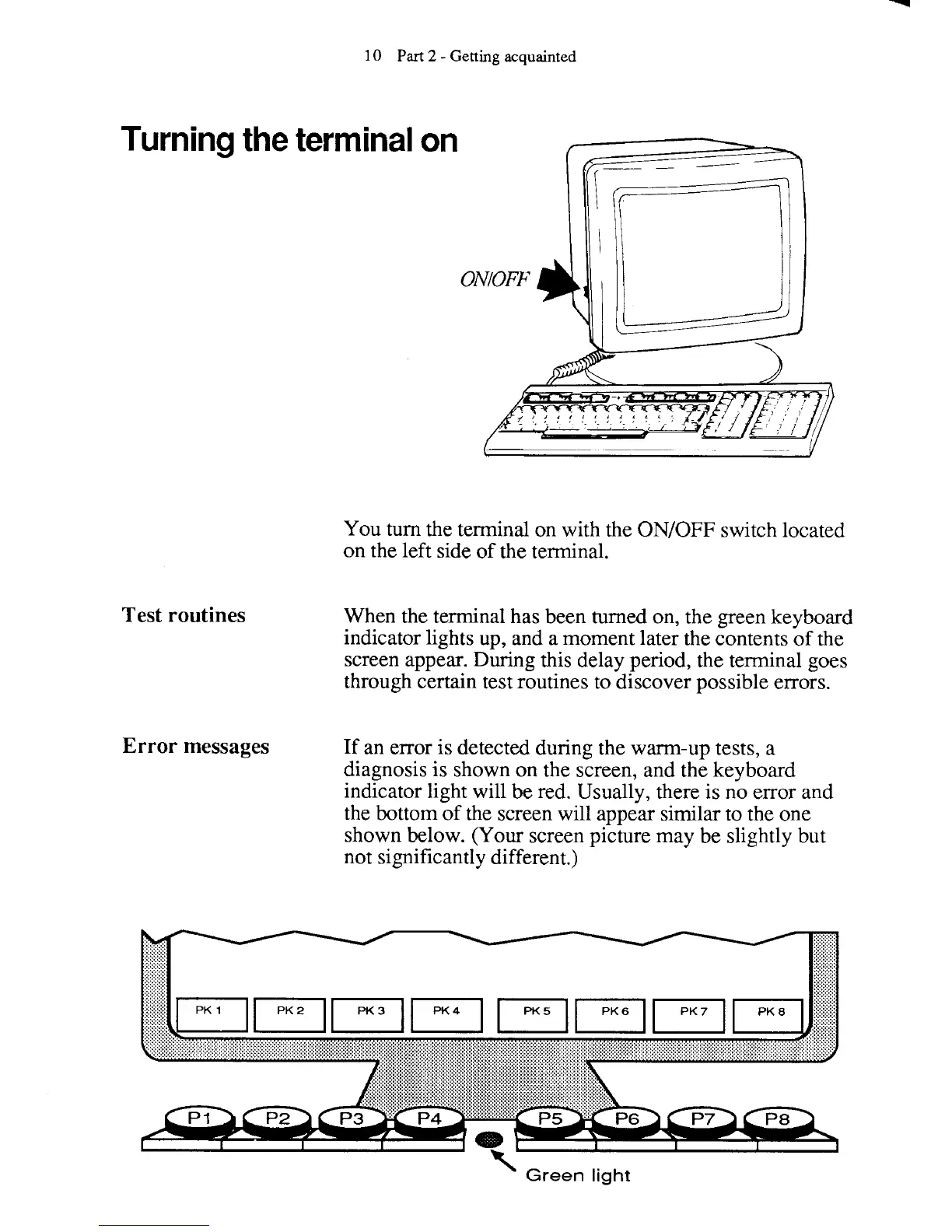
You turn the terminal on with the
ONIOFF
switch located
on the left side of the terminal.
When the terminal has been turned
on,
the green keyboard
indicator lights up, and a moment later the contents of the
screen appear. During this delay period, the
terminal goes
through certain test routines to discover possible errors.
Error messages
If an error is detected during the warm-up tests, a
diagnosis is shown on the screen, and the keyboard
indicator light will be red. Usually, there is no error and
the bottom of the screen will appear similar to the one
shown below. (Your screen picture may be slightly but
not significantly different.)
K
Green
light



 To Next Page