4
Part
1
-Before you
begin
Part
1
-
Before you
begin
Important hints
r
WARNING!
I
Do not remove the terminal cover unless the power
cable is unplugged.
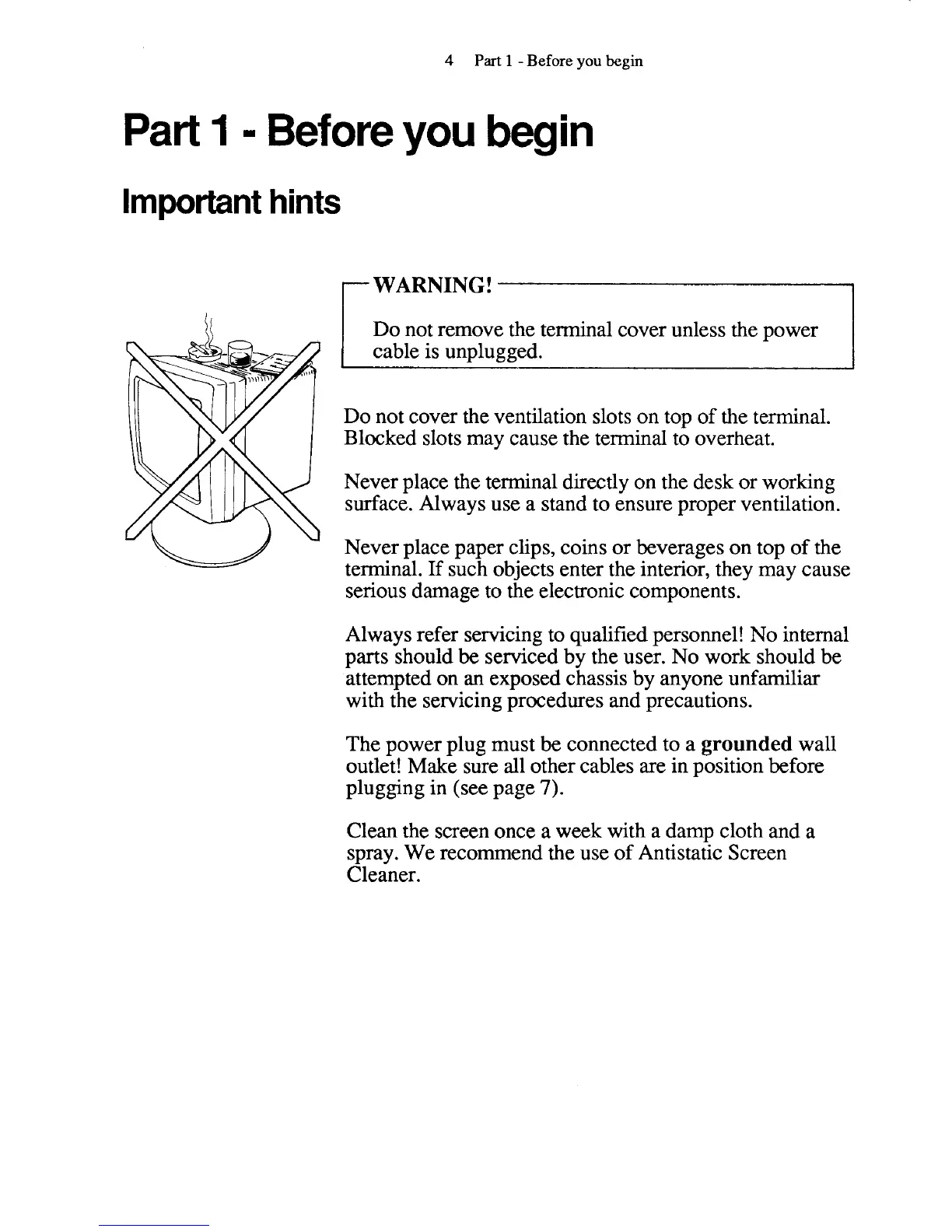
Do not cover the ventilation slots on top of the terminal.
Blocked slots may cause the terminal to overheat.
Never place the terminal directly on the desk or working
surface. Always use a stand to ensure proper ventilation.
Never place paper clips, coins or beverages on top of the
terminal.
If
such objects enter the interior, they may cause
serious damage to the electronic components.
Always refer servicing to qualified personnel! No internal
parts should
be
serviced by the user. No work should
be
attempted on
an
exposed chassis by anyone unfamiliar
with the servicing procedures and precautions.
The power plug must be connected to a
grounded
wall
outlet! Make sure all other cables are in position before
plugging in (see page
7).
Clean the screen once a week with a damp cloth and a
spray. We recommend the use of Antistatic Screen
Cleaner.



 To Next Page