32
Part
3
-
Setting
up
and
programming
the
terminal
Window
keys
Press
CTRL+PS
to get the screen picture below. If
you
are
in a menu, you must first press 'exit'
(PI).
pqydlEy
WITCHE
ADJUST
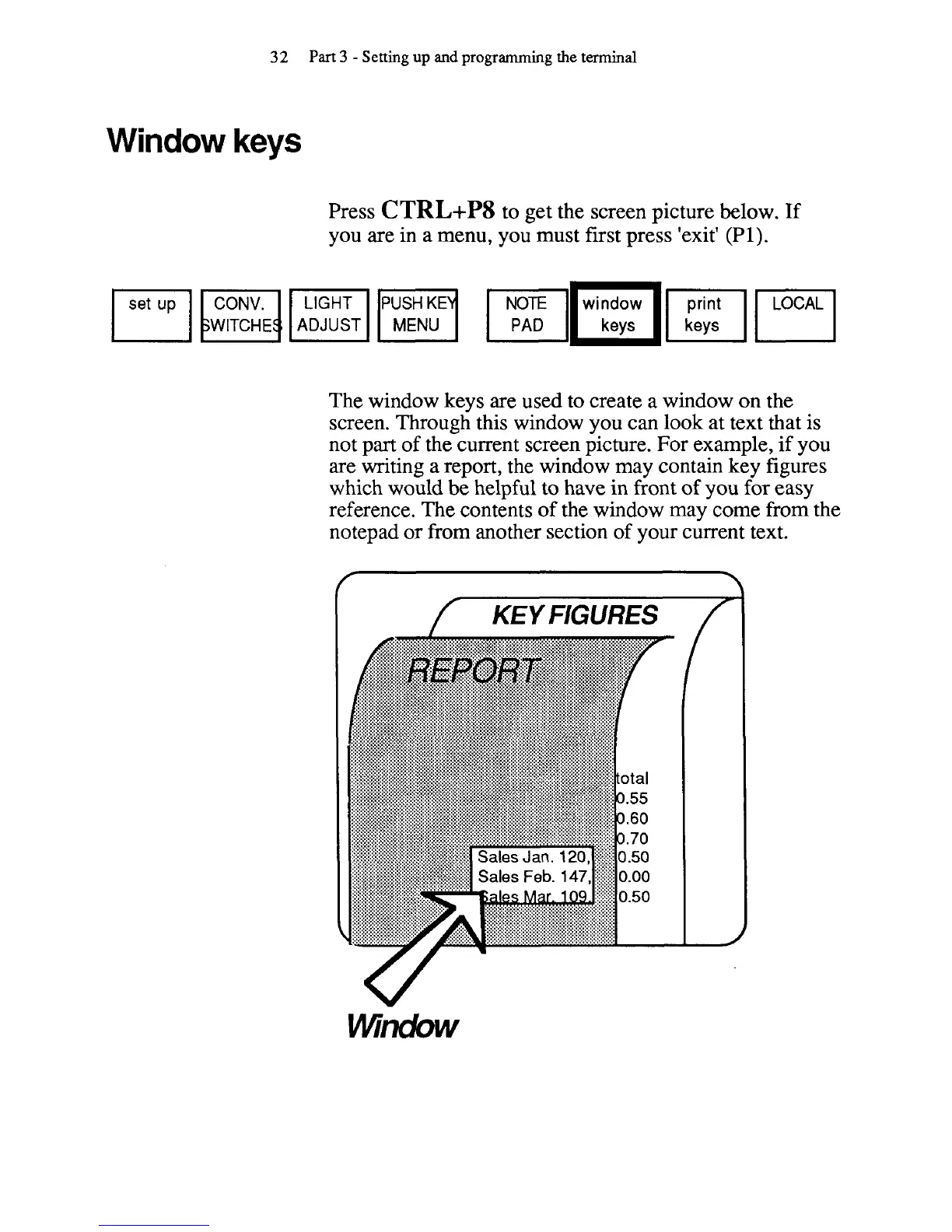
The window keys
are
used to create a window on the
screen. Through this window you can look at text that is
not part of the current screen picture. For example, if you
are writing a report, the window may contain key figures
which would be helpful to have in front of you for easy
reference. The contents of the window may come from the
notepad or from another section of your current text.



 To Next Page