3
1
Part
3
-
Setting up
and
programming
the
terminal
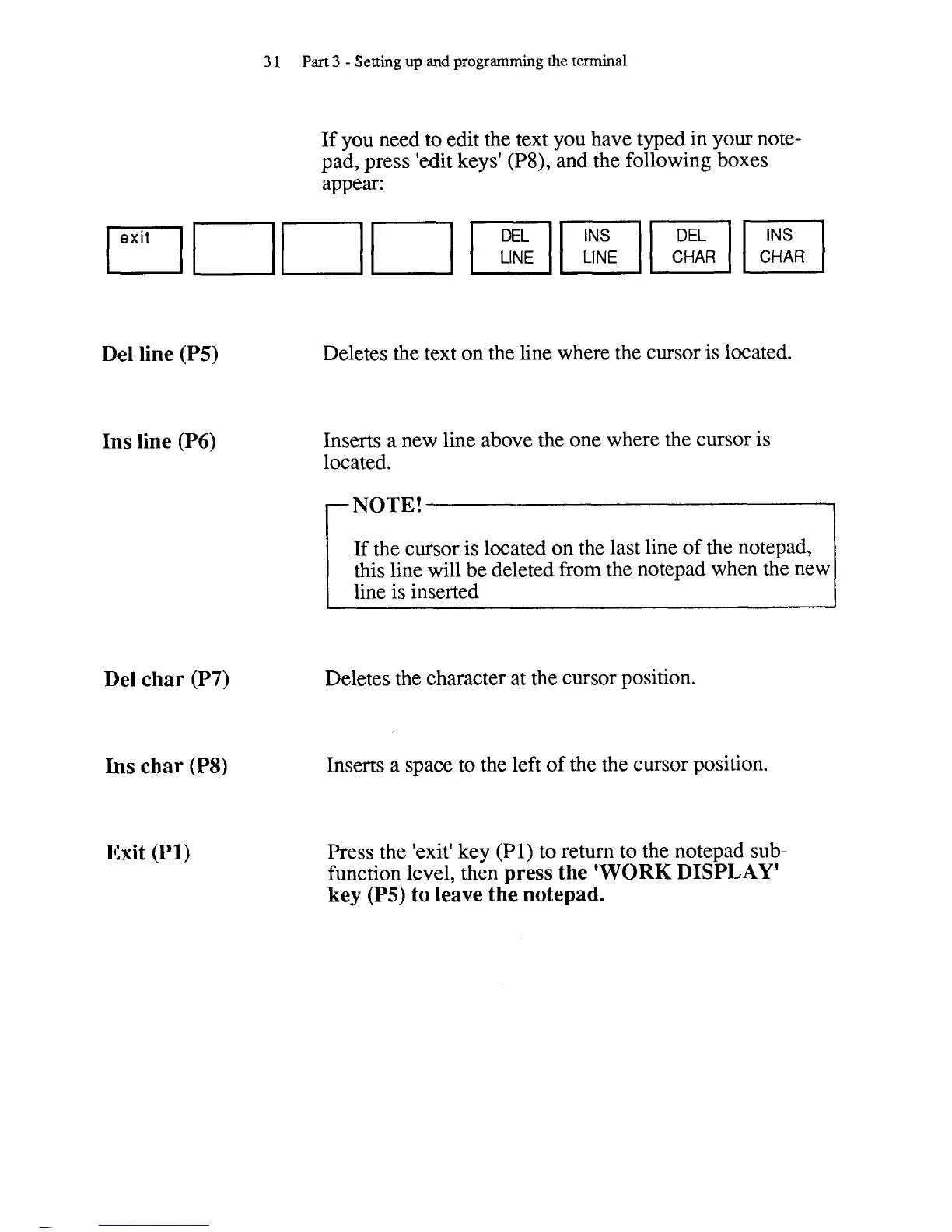
If you need to edit the text you have typed in your note-
pad, press 'edit keys'
(P8),
and the following boxes
appear:
Del line (P5)
Ins line (P6)
Del char (P7)
Ins char
(P8)
Exit (PI)
LINE LINE
Deletes the text on the line where the cursor is located.
Inserts a new line above the one where the cursor is
located.
If the cursor is located on the last line of the
notepad,
this line will be deleted from the notepad when the new
line is inserted
Deletes the character at the cursor position.
Inserts a space to the left of the the cursor position.
Press the 'exit' key
(PI)
to return to the notepad sub-
function level, then
press the
'WORK
DISPLAY'
key
(P5) to leave the notepad.



 To Next Page